Puzzle book generators with one-time payment: which fit
Compare puzzle book generators with one-time fees instead of subscriptions, and see what you get for the price.
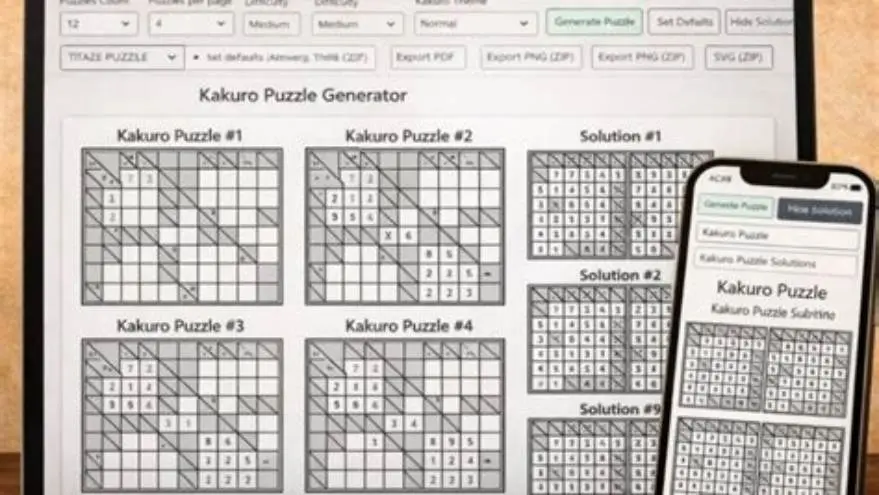
Some puzzle book generators sell perpetual licenses or lifetime access for a single price. Typical one-time prices fall in wide ranges depending on complexity: simple word-search or word-list batch tools often cost $15 to $60. Full-featured desktop suites that include crosswords, word searches, mazes, and cover templates commonly cost $60 to $150. Confirm current prices and license terms on vendor pages before you buy; this article gives examples and links to vendor sites where you can check live details.
On this page (9 sections)
- The short version
- What defines a one-time payment puzzle book generator
- Why subscription models cost more over time
- Examples of generators with one-time fees
- How to verify pricing and licensing on vendor pages
- How to use one-time payment generators to create puzzle books to sell
- What you own after paying once
- When a subscription makes more sense
- Questions people still ask
Part of our guide on kdp large print word search
Monthly fees add up. A single payment can leave you with a usable tool for years if the license fits your publishing plans.
| Typical one-time cost | $15 to $150 |
|---|---|
| Subscription cost yearly | $120 to $600 |
| Break-even point | Estimate using your net royalty per sale and the tool price |
| Puzzle types available | From 1 (single-purpose) to 12 (multi-suite) depending on the product |
| Computer limit | Often 1 to 3 devices or a single-seat license; check the EULA |
The short version
- One-time license prices vary from about $15 to $150 depending on features and scope
- Subscriptions often cost $120 to $600 per year and stop providing service when you cancel
- Confirm whether a one-time license includes lifetime updates, commercial use, and multi-device installs
- Tools that include cover design and Amazon formatting save $50 to $200 per book in outsourcing work
- If you publish several books a year, a one-time tool often pays back quickly
What defines a one-time payment puzzle book generator
A one-time payment tool sells a perpetual license or a lifetime account. You pay once and you gain the right to use the software under terms the vendor sets.
Desktop programs install on your machine. Web-based lifetime accounts require the vendor to keep servers running. If the vendor stops hosting the site, the web account stops working even if you paid once.
A one-time license can still limit use. Some licenses cap the number of installs, block commercial publishing, or restrict updates to a time window. Read the end-user license agreement before you buy.
If a vendor promises updates, check whether updates are lifetime or limited to a support window. A frozen tool still runs on compatible systems, but it won't gain new puzzle types or fixes pushed after that window. If that sounds like your situation, read up on free options like book bolt next.
Why subscription models cost more over time
A $15 monthly subscription costs $180 in one year. That repeats every year you keep it. A one-time tool at $50 pays for itself quickly if you publish several books.
Subscriptions include cloud services, continuous updates, and priority support. Vendors fund those features with recurring revenue.
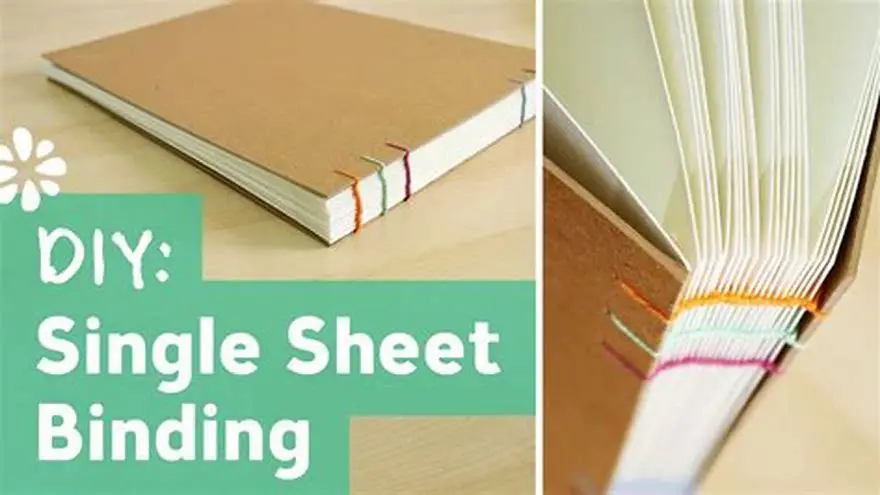
Subscriptions stay on your bill when you pause publishing. If you use the tool seasonally, a subscription can become an expense with little use. If that sounds like your situation, read up on cost effective bookbinding next.
For a casual publisher, a one-time tool often makes financial sense once you know you will publish more than a few books a year.
| Payment model | Year 1 | Year 2 | Year 3 | Total paid |
|---|---|---|---|---|
| One-time $15 | $15 | $0 | $0 | $15 |
| One-time $50 | $50 | $0 | $0 | $50 |
| Subscription $10/month | $120 | $120 | $120 | $360 |
| Subscription $25/month | $300 | $300 | $300 | $900 |
Examples of generators with one-time fees
Crossword Compiler. A long-established desktop crossword tool that sells a perpetual license for its Windows app. Check the vendor site for the current price and licensing details: https://www.crossword-compiler.co.uk/ (visit the Pricing or Buy page for live figures).
Puzzle-Maker and web-based free tools. Several web sites provide free or low-cost single-puzzle generation. These suit one-off puzzles but lack batch generation and book-ready export. Examples include Armored Penguin’s puzzle tools (https://www.armoredpenguin.com/) and Discovery Education’s Puzzle Maker (https://puzzlemaker.discoveryeducation.com/). Verify export format options on each site. For the detail, see our notes on sell printable puzzles etsy.
Crossword creation suites sold as one-time desktop purchases. Several niche developers sell single-seat perpetual licenses in the $40 to $100 range. Vendor names and prices change, so check the developer’s store page or software listing for the current cost and for license terms.
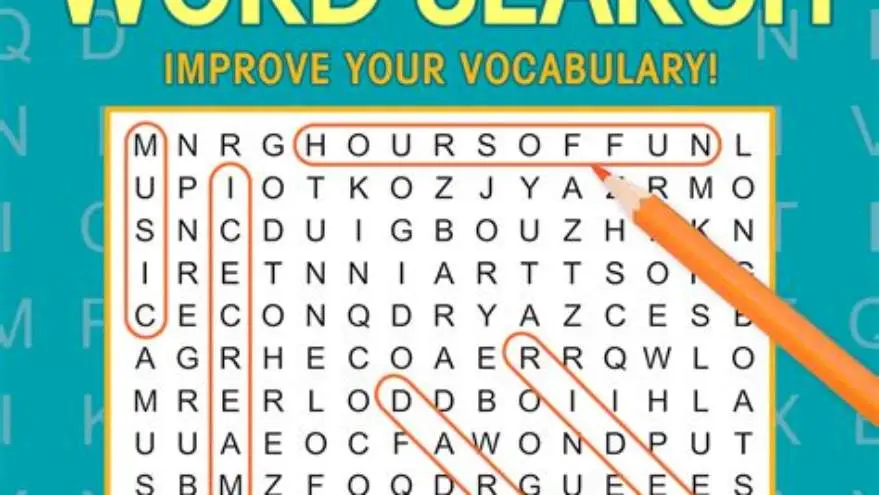
Word-search generators sold as desktop apps. These tools often cost $15 to $60 as a one-time purchase. They typically batch-generate puzzles from word lists and export PDFs. Look at product pages for system compatibility and install limits.
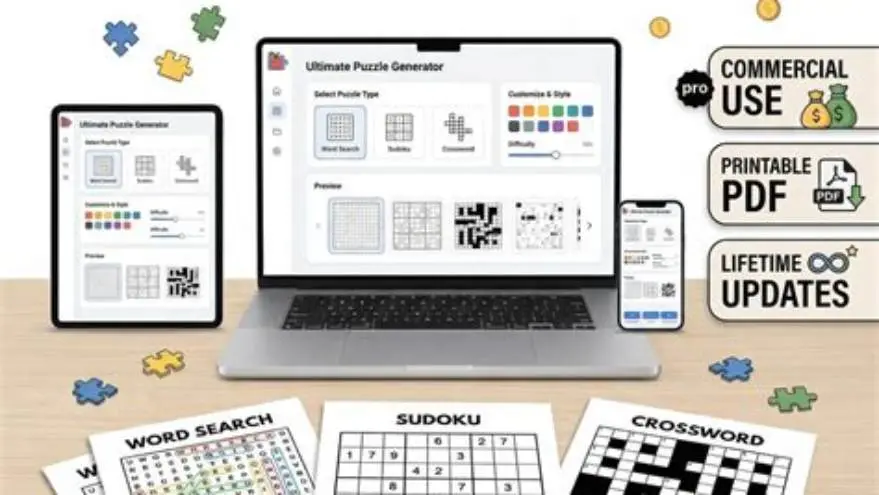
All-in-one desktop suites. Some multi-puzzle suites bundle crosswords, word searches, Sudoku, and maze generation. One-time prices for these suites commonly sit between $80 and $150. Sellers usually document what’s included and whether updates are limited to a period.
How to verify pricing and licensing on vendor pages
Open the product or buy page and locate the price shown. If no price appears, look for a contact or quote option.
Locate the EULA, Terms of Service, or License Agreement link. Vendors usually link it in the footer or the product page. Read the commercial-use, update, and install-limit clauses.
Check the product’s FAQ for update policy language. Vendors often state whether updates are lifetime or limited to a support period like 12 months.
Search for a change log or version history. If the vendor lists recent releases, the product is actively updated. If the change log stops years ago, assume updates are limited.
Use the Wayback Machine (web.archive.org) to compare past pricing and policy notices. That gives context if a vendor changed terms recently.
If terms are unclear, email or use the vendor’s support chat to ask: Do I get lifetime updates? How many devices can I install on? Are commercial sales allowed? Ask for a written response you can keep.
How to use one-time payment generators to create puzzle books to sell
Choose a niche and theme. Large-print books and seasonal titles sell steadily.
Generate puzzles in batches. Set puzzle count, difficulty, and page size. For Amazon KDP, use sizes such as 8.5×11 or 8×10 inches.
Aim for about 100 pages for a standard puzzle book. Include an answer key. Buyers expect it and it increases perceived value.
Design the cover in the tool if it offers a cover maker. If it does not, export the interior template and finish the cover in a layout app.
Export a print-ready PDF and upload it to Amazon KDP. Check every page manually to avoid clipping or duplicated pages.
- Pick a theme and puzzle types your tool supports. Check the generator's theme library first.
- Set the puzzle count to 80–120 and choose larger fonts for large-print books.
- Add an answer key section at the back. Many tools auto-generate this.
- Create a cover showing the title, theme, and a sample puzzle in large print.
- Export the PDF, inspect every page for formatting errors, then upload to KDP.
- Write the title, subtitle, and keywords using honest descriptors buyers search for.
- Price the book based on printing cost and market. Use KDP’s royalty calculator to derive expected net per sale.
What you own after paying once
You buy a license to use the software under the vendor’s terms. You rarely buy source code or ownership of the product.
Desktop apps usually continue to work while your OS supports them. Web accounts stop if the vendor shuts down servers.
Update coverage varies. Some vendors promise lifetime updates. Others limit updates to a support term such as 12 months. Confirm the update window in the EULA.
Commercial-use limits appear in some low-cost licenses. Read whether the license caps the number of books you can sell or revenue you can earn. If you plan many titles, choose a license with unrestricted commercial rights.
When a subscription makes more sense
High-volume publishers often prefer subscriptions. Cloud projects, team seats, and version history save time and coordination costs.
Subscriptions supply continuous updates. If you rely on receiving new puzzle types or fast bug fixes, a subscription can be cheaper than repeated paid upgrades.
Subscriptions suit teams. If multiple people need access, a monthly fee can be cheaper than multiple single-seat licenses.
If you want to trial the market, a short subscription can be the least expensive way to test publishing before committing to a one-time purchase.
- Cloud backup and version history
- Team access and shared projects
- Priority support and faster updates
- Access to new puzzle types as they appear
- Costs recur every year
- You lose access if you stop paying
- Overkill for casual publishers
Questions people still ask
Can I switch from a subscription tool to a one-time generator later?
Yes. Export finished PDFs and covers from the subscription tool before you cancel. Many one-time tools do not import proprietary project files, so you may need to recreate projects.
Do one-time payment tools work on both Mac and Windows?
Desktop one-time tools often target Windows. Web-based lifetime accounts work on modern browsers, including Mac and Chromebooks. Check the product page for system requirements.
How many books do I need to publish to break even on a one-time generator?
Estimate using the tool price and your net per sale. Example: if your net royalty is $2 per copy, a $50 tool breaks even after 25 sales. Adjust for your actual royalty and price.
What happens if the company stops supporting a one-time tool?
Desktop apps keep running on compatible OS versions. Web accounts stop when servers go offline. Export PDFs and backup project files as soon as you finish a book to preserve your work.
Can I create themed puzzle books for holidays with a one-time generator?
Yes, if the tool offers holiday themes or lets you add custom word lists and images. Check the demo or documentation on the vendor page.