Canva vs a puzzle generator: pick by how many puzzles you need
It depends on how many puzzles you need. Canva starts as a word search template you edit letter by letter; a puzzle generator builds the grid and answer key from a word list. Pick Canva for one handout, a generator for 20 puzzles or more.
On this page (8 sections)
Part of our guide on large print word search book kdp niche
Key figures
- Canva grid sizes
- 9x9 or 15x15 templates
- Large print floor
- 16pt minimum, 18pt ideal
- KDP gutter rule
- Grows with page count
- KDP margin check
- Check current interior spec
- Generator puzzle types
- Word search, sudoku, mazes
- BigPrint print sizes
- 16, 20 or 24 point
- Free one-off option
- Site's free word search maker
Quick recap
- Canva builds word searches by hand-editing a template; a generator builds the grid and answer key from a word list.
- One handout suits Canva, a whole book suits a generator.
- Set grid type at 16pt or larger, and judge readability on paper, not on screen.
- A generator builds the answer key with the puzzle; in Canva you draw it by hand.
- Try both tools with the same 12-word list before you pay for anything.
What are you actually making?
Four jobs sit behind this question. A single handout for a church hall table needs one readable page, made once. A weekly activity pack needs the same look, with fresh words. A book to sell on Amazon KDP needs 50 or 100 puzzles, an answer key and a cover, with margins that pass the upload check. A gift book needs the puzzles to look as good as they read.
Canva gives you total control over how the page looks. It charges you in time for every puzzle after the first. A puzzle generator takes the design decisions off your hands. It charges you in flexibility instead: the pages look alike, and that sameness is the point when a reader works through a whole book. Neither tool is the wrong one. The wrong move is picking the tool before you count the puzzles.
Start by writing down three things: how many puzzles you need, who reads them, and where they end up. One handout for a family visit is a different job from a 100-page book for sale. There is a line where most makers switch: below it, hand-crafting stays pleasant; above it, the repetition turns into a second job. Keep that number in mind as you read on, because every section below comes back to it.
- Single handout: one page, printed at home.
- Weekly pack: fresh puzzles, same layout, every week.
- KDP book: 50 to 100 puzzles, answers, cover.
- Gift book: looks matter as much as the puzzles.
Canva word search vs puzzle generator: what each one actually does
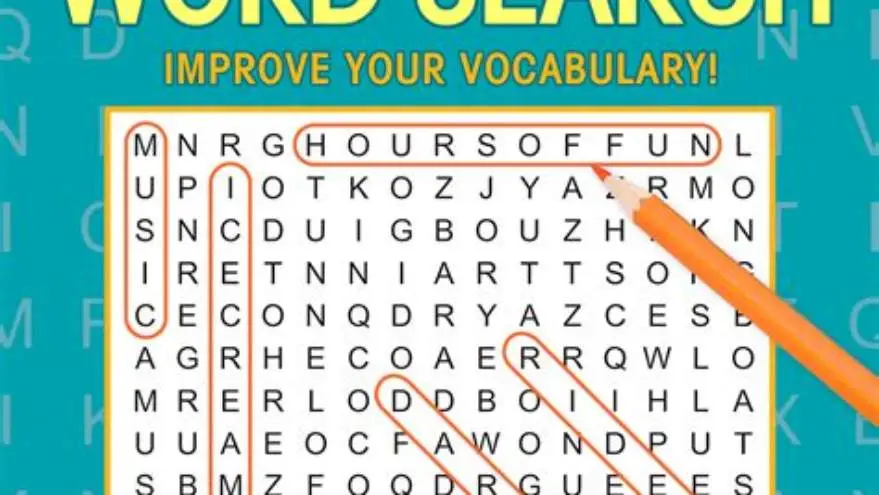
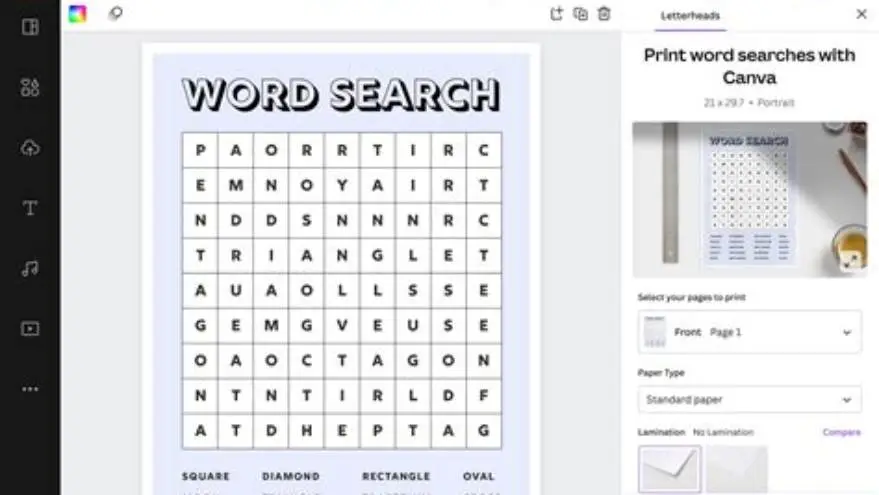
Canva's word search maker is a set of templates inside a design tool. You open a template, pick a 9x9 or 15x15 grid, then change the letters to spell your words. Hidden words run across, down or diagonally. You swap the filler letters by hand. The word list sits below the grid in a text box. The answer key is a second page you make yourself, circling the hidden words by hand. Nothing places the words for you or checks that each word fits. We go through canva word search vs puzzle generator step by step elsewhere on the site.
That hand work is also the appeal. You choose the font, the size, the colours and the border, and the page can match a party theme or a church newsletter exactly. Download the page as PDF Print, not PDF Standard: the print version exports at 300 DPI, while the standard version is made for screens. For a one-off page that has to look a certain way, this control is hard to beat. The cost is time: a 15x15 grid is 225 cells you edit by hand.
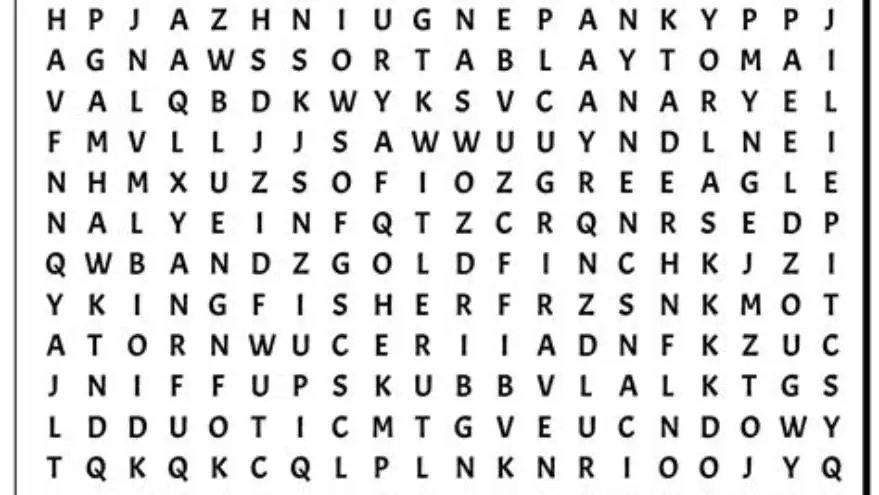
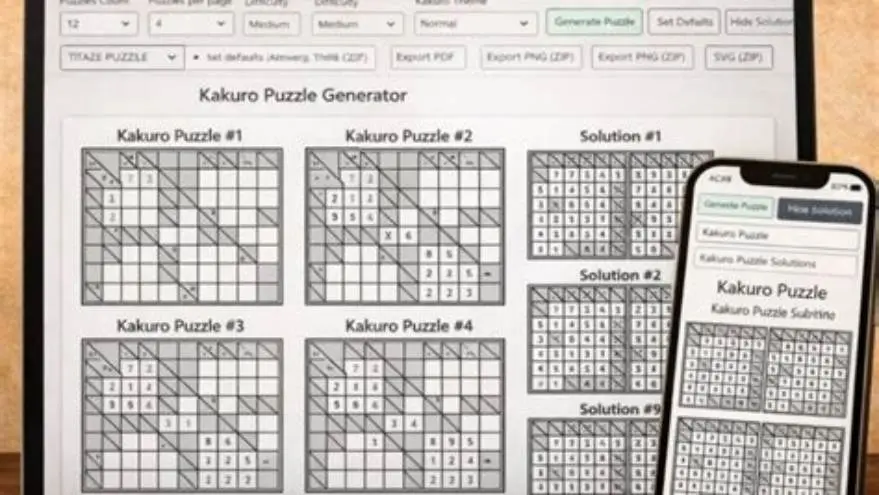
A puzzle generator works the other way round. You type or paste a word list, pick a grid size, and the software places the words and fills the gaps. The answer key comes out with the puzzle, on its own page, with the hidden words circled. BigPrint Puzzle Studio builds a whole book this way. Contents, instructions, answers and cover come from one set of choices, in 16, 20 or 24 point type. The trade is control: you pick from the themes and sizes on offer.
Files tell the story at the end. Canva hands you one design at a time, and joining 50 of them into a book is a separate job. A generator hands you one print-ready PDF for the whole book. There is more on how to make a word search book without canva in a separate guide.
How many puzzles decide the tool?
One handout takes an afternoon in Canva and looks better for it. Ten puzzles for a month of activity sessions still fits in Canva if you enjoy the fiddly work. Duplicating a finished page keeps the layout steady. Past that line, the maths turns fast. Each grid is built letter by letter, each answer key is drawn by hand, and the hours stack up faster than the book grows.
Once the count passes twenty, a generator earns its keep. You feed it the word lists, and it returns finished pages with answers attached, all in the same style. A 100-puzzle book with contents and answers comes out in seconds once the choices are set. The machine does the placing, the filling and the key. Your job shrinks to choosing themes and proofreading the word lists.
Series sellers feel this most. A second book on a new theme reuses the same settings, so the tenth book takes no longer than the second. If you plan to publish more than once, weigh that repeat cost before you commit to the slower tool. It helps to understand puzzle book makers no subscription before going further.
| Job | Canva | Puzzle generator |
|---|---|---|
| One handout | Best pick | Overkill |
| Weekly pack, 4 to 8 puzzles | Fine, if you like the work | Faster, same look |
| KDP book, 50 to 100 puzzles | Slow, page by page | Best pick |
| Gift or branded book | Best pick | Plain pages, less charm |
What makes a page readable at arm's length?
Small failures sink a large-print page. Type below 16 point strains most low-vision readers. Large-print guidance commonly lands at 16 to 18 point and up, so treat 16 point as the floor and 18 point as the safer target. Pick 18 point for the grid letters when the page allows it. Keep the word list at the same size: a big grid with a tiny list helps nobody.
Spacing matters as much as size. Letters that touch turn a grid into a block of print, so give each cell room and keep the words in black on white. Fancy fonts cost readability: a plain sans-serif letter reads faster than a decorative one at the same size, and italics blur at arm's length. Bold weight helps, and a plain background beats a patterned one.
Margins decide whether the page survives printing. KDP requires a margin on every edge, and the inside gutter grows with page count, so check KDP's current interior specification before you export. A generator built for KDP sets those figures for you. In Canva you set them yourself, and one slipped page can push letters into the trim. The printed page is the only honest test. People in this spot often ask about create printable cryptogram puzzles as well.
Can you test both tools in one afternoon?
You can, and the test costs nothing but an afternoon. Pick one theme and write a list of 12 words about it: garden words, baking words, or names from a family holiday. Twelve words sit comfortably in a 15x15 grid, and the same list keeps the test fair. Print each result on the same printer, on the same paper, at full size.
Multiply the slower of your two times by your puzzle count. Two puzzles makes Canva the easy winner, and the prettier page costs you nothing. Fifty puzzles flips the answer, because the hand-built grids stack into days of evenings. Keep both test pages: they show how the finished book will read.
Run the test with the reader in mind, not the tool. Hand both pages to the person who will solve them, and watch where their eyes stop. A grid that looks fine to you can still hide its words from someone with weaker sight. The tool that passes their test is the tool to buy, whatever the brochures say. Trust their eyes over any setting on screen. Before you commit to anything, it is worth looking at choosing keywords for kdp.
- Write your 12-word list on paper first, and check each word fits the grid you plan to use.
- Build the puzzle in Canva from a word search template, set the grid type to 18 point, and add the word list.
- Make the same list in a free generator, and print the puzzle with its answer key.
- Read both pages at arm's length where they will be solved, and circle any letter you cannot read at once.
- Time both builds, then multiply the slower one by the number of puzzles in your book.
Which one should you pick?
Pick Canva when the job is small and the look matters. A single handout, a party game, a page for a church newsletter: these need one good page, not fifty. Canva's control over fonts, colours and borders earns its time. The free tier covers a page or two, and the result looks like you meant it. Stop there: past a handful of pages, the hand work costs more than the polish is worth.
Books change the answer. Fifty puzzles with answers, margins and a cover is a production job, and a tool built for it does the repetitive parts in seconds. BigPrint Puzzle Studio covers several puzzle types and a range of themes, so a word search book can sit beside sudoku and mazes. Its one honest limit is scope. It builds puzzle books, not illustrated or colouring books, so a gift book that needs pictures still wants Canva for its cover and front pages.
Or use both, and let each tool do what it does best. Generate the interior with a puzzle tool, then open Canva for the cover and title page. The interior stays consistent and print-ready. The outside carries the charm that sells the book. Many sellers work this way. A cover is a design job and a hundred puzzles are a production job, and no single tool does both well.
For a whole book, a generator; for one decorated page, Canva.
Still wondering?
Does Canva generate a word search from a word list?
No. Canva gives you a word search template and you edit the letters by hand. A puzzle generator takes your word list and builds the grid and the answer key for you. That gap is the whole decision: hand control against automatic building.
What font size counts as large print for a word search?
Sixteen point is the floor, and 18 point is the safer target: large-print guidance commonly lands at 16 to 18 point and up. Set the grid letters to 18 point, and keep the word list the same size.
Can I sell a book made with a puzzle generator on Amazon KDP?
Yes, when the files meet KDP's rules. The interior must be a PDF at your trim size, with margins that meet KDP's current specification. Always check the finished book in KDP's Previewer before you publish.
Do I still need Canva if I buy a puzzle generator?
For the cover, often yes. Most generators make plain puzzle pages and a simple cover, while Canva gives you full control over the design that sells the book. Generate the interior with the puzzle tool and design the cover in Canva.
Is there a free way to try a puzzle generator first?
Try the free Large Print Word Search Maker on this site. It turns a word list into a large-print puzzle with an answer key, formatted for Letter or A4 paper. It makes one puzzle at a time, which is enough to test the idea before you pay for a tool that builds whole books.
Ready to try it? It builds the whole large-print book, puzzles, answers, margins and cover, from one set of choices.
Build your book with it