Easy large-print crossword puzzles with printable pages for seniors
Print clear crossword puzzles with large type and straightforward clues designed for older adults and people with low vision.
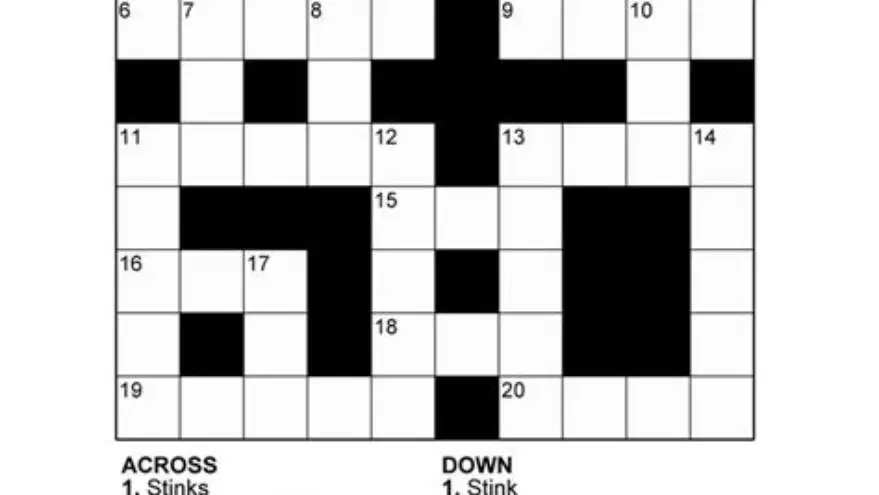
Easy large-print crossword puzzles for seniors use 14 to 18-point type, simple everyday clues, and bold grid lines. Print them at 100% scale on standard letter or A4 paper for the clearest result.
On this page (8 sections)
- The short version
- What makes a crossword puzzle easy and appropriate for seniors
- Font size and layout features that improve readability
- How to print crossword puzzles clearly on standard paper
- Where to find free and low-cost large-print crossword PDFs
- Clue types and themes that work best for older solvers
- Adjusting difficulty when puzzles feel too easy or too hard
- Questions people still ask
Part of our guide on puzzles tailored for seniors
Most crosswords marketed to seniors still use 12-point type and obscure clues that frustrate rather than engage.
| Best font size | 14 to 18 points |
|---|---|
| Grid line thickness | 1.5 to 2 points |
| Puzzle size | 7×7 to 11×11 squares |
| Print scale | 100% actual size |
| Paper type | 32 lb or heavier |
The short version
- Print at 100% scale with no shrink-to-fit for clearest grids and letters
- Look for 14 to 18-point fonts and bold grid lines at least 1.5 points thick
- Easy puzzles use everyday words, no trivia or wordplay
- Test print quality with one page before printing a full set
- Free PDFs exist but paid sets often have better contrast and layout
What makes a crossword puzzle easy and appropriate for seniors
An easy crossword for seniors has three to five letters per answer, everyday vocabulary, and clues that don't demand trivia or wordplay. The words come from daily life: kitchen items, common verbs, US states, familiar animals. Clues are straightforward definitions or fill-in-the-blank phrases. No puns, no obscure historical figures, no brand names from the 1950s that younger caregivers wouldn't recognize.
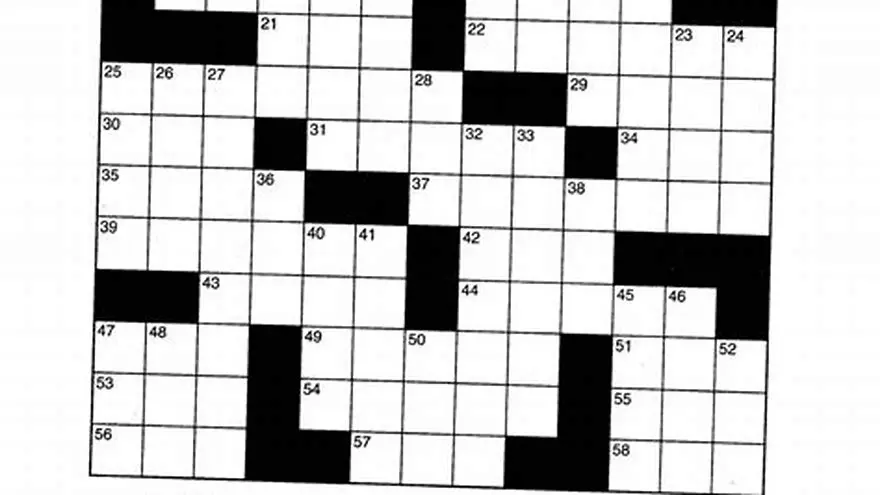
Grid size matters as much as clue difficulty. A 7×7 or 9×9 grid gives a sense of progress without overwhelming someone whose stamina or vision has declined. An 11×11 is still manageable. Anything larger turns into a long session that tires eyes and hands. The black squares should be large enough to see at a glance, so the solver knows immediately where one word ends and another begins.
Contrast is the detail most free puzzles get wrong. A faint gray grid on white paper disappears under typical indoor lighting. Look for grid lines at least 1.5 points thick and true black ink, not 60% gray. The numbers in each square need to be small enough not to crowd the letters but dark enough to read without squinting. Many free PDFs fail this test because they were designed for younger eyes or for screens rather than print.
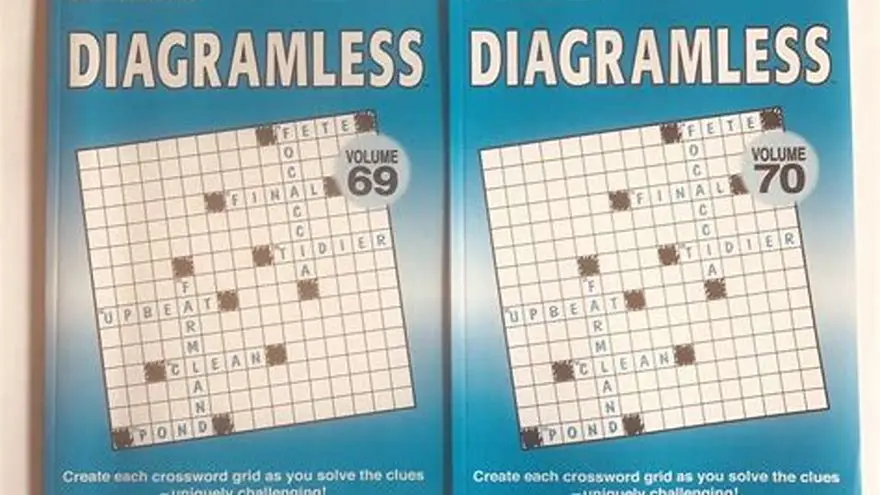
Repetition across puzzles is fine and often welcome. Seeing the same common three-letter words in several grids builds confidence. Someone working through a set of ten puzzles will remember that ARE, THE, and OWL appeared before, and that familiarity makes the next puzzle less intimidating. Novelty is not the goal here. Completion is. It helps to understand large print diagramless crossword grid before going further.
Font size and layout features that improve readability
Type size in the answer squares should sit between 14 and 18 points. Smaller than 14 and you're back to standard newsprint scale, which defeats the purpose. Larger than 18 and you run out of room on the page or the grid shrinks to the point where only four or five words fit. Most well-designed large-print crosswords settle on 16-point type as the sweet spot for Arial or Verdana, both of which render clearly on cheap inkjet paper.
The clue list needs as much attention as the grid itself. Clues printed in 12-point type with tight line spacing force someone to lean in and lose their place. Use 14-point type for clues and add half a line of space between each entry. Number each clue in bold so the eye can jump back and forth between the list and the grid without hunting. Some layouts split Across and Down into separate columns; others stack them. Columns work better when clues are short.
White space is a feature, not waste. A grid that fills the entire page with no margin looks dense and uninviting. Leave at least half an inch on all sides, and a full inch at the top if you're printing multiple puzzles in a set and someone might three-hole punch them for a binder. That margin also keeps inkjet printers from clipping the edge of the grid, which happens more often than it should on budget models. We go through how to sequence crossword clues step by step elsewhere on the site.
Some puzzle makers add a light tint to the black squares, usually a pale yellow or blue, to increase the contrast between them and the white answer squares. This works if the tint is subtle. A heavy color makes the page look busy and can confuse someone whose color vision has faded. Stick with true black for the blocked squares unless you've tested the tint with the actual person who will solve it.
| Element | Minimum size | Better size | Why it matters |
|---|---|---|---|
| Answer squares | 14 pt | 16 pt | Smaller type blends into grid lines |
| Clue text | 12 pt | 14 pt | Prevents losing place in list |
| Grid lines | 1.5 pt | 2 pt | Faint lines vanish under poor lighting |
| Page margins | 0.5 in | 0.75 in | Stops clipping and looks less cramped |
How to print crossword puzzles clearly on standard paper
Set your printer to 100% scale, also called actual size, and turn off any shrink-to-fit or auto-rotate setting. These features reduce the grid to make it fit neatly on the page, but they also make the type smaller and the lines thinner. Open the PDF in Adobe Reader or your browser's print dialog, look for a dropdown labeled Page Scaling or Scale, and choose None or 100%. On some printers this option hides under a More Settings or Advanced button.
Use 32 lb paper if you can find it, or the heaviest setting your printer offers if you're stuck with standard 20 lb stock. Heavier paper doesn't curl as much when it comes out of the printer, and it handles erasing without tearing. Cheap copy paper works, but after two or three erasures the surface pills up and pencil marks smear. Bright white paper gives better contrast than cream or recycled gray, though some people with light sensitivity prefer a soft ivory. If that sounds like your situation, read up on large print puzzles printable next.
Print in black and white even if your printer defaults to color. Crossword grids don't need color, and black ink is cheaper and denser than composite black made from cyan, magenta, and yellow cartridges. Check your print dialog for a grayscale or black ink only option. If the test page comes out with a blue or purple tint, your printer is mixing colors and you need to dig into the advanced settings to force true black.
Test one page first. Hold it at arm's length in the room where it will be used and check whether the grid lines are solid and the numbers are legible. If the lines look dotted or broken, your ink cartridge is low or the print quality setting is too low. Switch from Draft to Normal or Best, then print another test page. Once you have a good result, print the rest of the set in one session so the ink density stays consistent.
- Open the PDF and go to File > Print or press Ctrl+P.
- Find Page Scaling and set it to None or 100%.
- Choose black and white or grayscale in the color options.
- Set print quality to Normal or Best, not Draft.
- Print one test page and inspect the grid lines and numbers.
- Adjust quality or check ink levels if the test looks faint.
- Print the full set once the test page passes inspection.
Where to find free and low-cost large-print crossword PDFs
A handful of sites offer free large-print crossword PDFs, but quality varies wildly. Some use genuinely large type and bold grids; others just scale up a standard puzzle and call it large print. The best free sources let you preview the grid before downloading, so you can check line thickness and font size. Look for downloads labeled specifically as large print or senior-friendly, not just easy or beginner. People in this spot often ask about choosing puzzles for memory support as well.
Public library websites sometimes host printable puzzle collections created by their activity coordinators. These are hit or miss. When they're good, they're excellent: local references, seasonal themes, and proper contrast. When they're bad, they're photocopies of photocopies with gray smudges where the grid should be. Worth checking if your library system has a seniors or lifelong learning section on its site.
Paid puzzle books from Amazon or Etsy give you more control over layout and difficulty. Most large-print crossword books on Amazon preview the first few pages, so you can zoom in and inspect the type size before buying. Prices run $6 to $12 for a book with 50 to 100 puzzles. Etsy sellers offer printable PDF sets, usually themed by season or holiday, for $3 to $8. The advantage is you can print only the puzzles you need and reprint pages if someone wants to solve the same puzzle again.
We make a tool called BigPrint Puzzle Studio that generates large-print crossword and word search books with custom themes, built-in covers, and print-ready PDFs for Amazon KDP or home printing. It's a one-time $17 payment and works on up to three computers, with no subscription. It won't write clues for you or guarantee clever puzzles, but it handles the tedious layout and formatting so you can build a 50-page book in an afternoon. If you're creating puzzles regularly for a care home or selling books online, it saves hours compared to wrestling with Word or Canva. If you only need a few puzzles once in a while, the free options or a pre-made book make more sense. We go through how to print nyt sunday crossword step by step elsewhere on the site.
Clue types and themes that work best for older solvers
Straightforward definition clues are the backbone of an easy puzzle. "Opposite of hot" for COLD, "Large body of water" for SEA, "Breakfast grain" for OATS. No misdirection, no cultural references that demand you remember a sitcom from 1978. The clue should lead directly to one obvious answer. If you have to explain the clue after someone solves it, the clue was too clever.
Fill-in-the-blank clues work well because they mimic natural speech. "___ and tear" for WEAR, "Salt and ___" for PEPPER, "Black and ___" for WHITE. These feel less like a test and more like a conversation. They also let someone skip a hard word and come back to it once crossing letters fill in. A puzzle with half fill-in-the-blank clues moves faster and builds momentum.
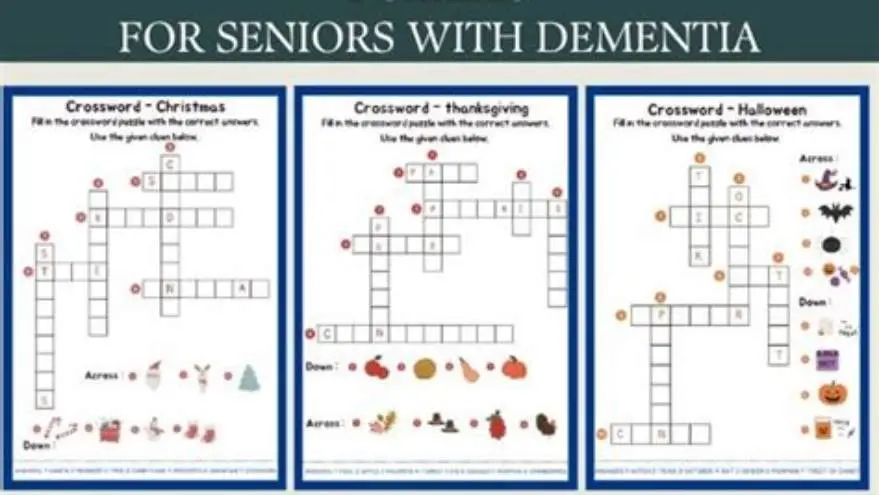
Themed puzzles around holidays, seasons, or hobbies give the solver a frame of reference. A Thanksgiving puzzle with words like TURKEY, PIE, HARVEST, and GRATEFUL tells you what kind of vocabulary to expect. A gardening theme might include SOIL, RAKE, BLOOM, and SEED. The theme doesn't have to be elaborate. It just narrows the mental search space so someone isn't jumping between random topics. We go through crossword answers for all levels step by step elsewhere on the site.
Avoid trivia, puns, and abbreviations unless they're universal. "First US president" for WASHINGTON is fine; "VP under Eisenhower" is not, even though the answer is NIXON. Puns like "Reason to cram" for TEST confuse more than they amuse. Abbreviations like ST for street or DR for doctor are acceptable because they appear everywhere; RTE for route or AVE for avenue are borderline. When in doubt, spell it out.
- Definition clues: state the meaning plainly, no wordplay
- Fill-in-the-blank: half a common phrase the solver completes
- Themed words: seasonal or hobby-related terms the solver expects
- No trivia: skip historical figures, sports stats, and TV show titles
Adjusting difficulty when puzzles feel too easy or too hard
A puzzle that takes 10 to 20 minutes to complete lands in the easy range for most seniors. Faster than that and it may feel trivial; longer and it becomes a chore. Timing varies with the person's experience and the day they're having. Print a few puzzles at different grid sizes and see which one gets finished and which one gets abandoned halfway. That tells you more than any difficulty label.
If someone breezes through a 7×7 grid, move up to 9×9 or add a few less common words. A puzzle can still be easy with a couple of four-syllable answers mixed into the three-letter staples. The key is balance. One unfamiliar word per puzzle is a welcome challenge; five unfamiliar words is frustration. Watch what happens to the solving time when you introduce a longer word. If it doubles, pull back.
For someone who finds even simple puzzles hard, reduce the grid to 5×5 and use only three- and four-letter words. Give them a completed puzzle as a reference so they can see what a finished grid looks like. Some solvers benefit from starting with half the answers already filled in, which gives them crossing letters to work from. This isn't cheating. It's scaffolding. The goal is engagement, not proving anything.
Track which puzzles get completed and which get left unfinished. If themed puzzles around cooking or gardening always get done but general-knowledge puzzles sit untouched, you've learned something about what resonates. Adjust future puzzles toward the topics that work. There's no virtue in variety if it means half the puzzles never get solved.
Questions people still ask
Can I print these puzzles on a tablet instead of paper?
You can, but paper works better for most seniors. A pencil on paper feels natural, and you can erase without tapping small icons. Glare and accidental touches make tablets frustrating for people with vision or dexterity challenges. Print a few and keep them in a folder.
What if the grid lines print too faint even at best quality?
Your ink cartridge is likely low, or the PDF itself has thin lines. Try a different puzzle source first. If the problem persists across multiple PDFs, replace your ink and test again. Some budget printers produce faint blacks no matter what you do; in that case, print at a copy shop.
How many puzzles should I print at once?
Print five to ten at a time so you can rotate through them without overwhelming someone with a thick stack. Once those are done, print the next batch. This also lets you adjust difficulty based on how the first set went.
Are large-print crosswords suitable for people with dementia?
It depends on the stage and the person's interests. Early-stage dementia often leaves crossword skills intact. Later stages may need simpler activities like word searches or matching games. Watch for frustration and switch activities if the puzzle stops being enjoyable.
Can I create my own large-print crossword puzzles?
Yes, but it takes time. You need a crossword construction tool or software that supports large fonts and bold grids. Free tools exist but have limited layout control. Paid tools like BigPrint Puzzle Studio handle formatting automatically if you're making puzzles regularly.