Printable memory games for seniors: easy large-print puzzles to try today
Free printable memory games in large, clear print designed for seniors, with activity ideas for home and care settings.
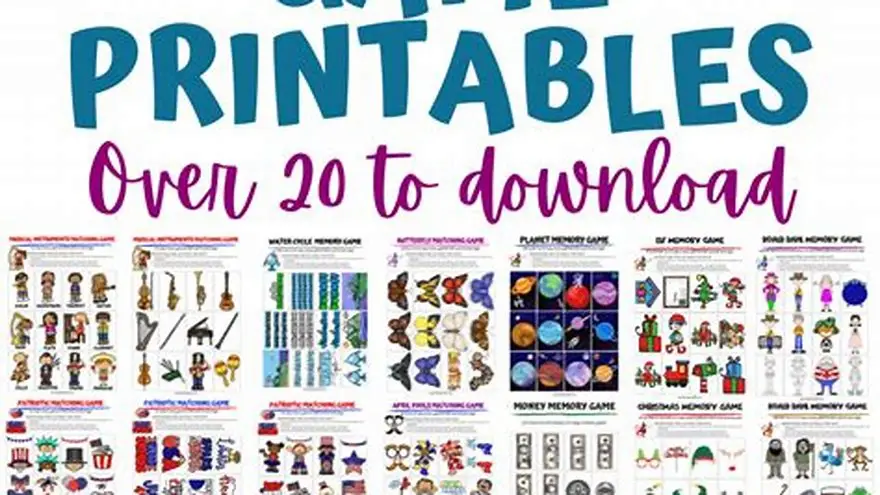
Free printable memory games for seniors include large-print word searches, matching games, picture recall sheets and conversation cards. Print them in 12-point type or larger, on bright white paper, one activity per page.
On this page (8 sections)
- The short version
- Why large-print and simple designs matter for seniors
- Where and how to download free printable memory games for seniors
- Examples of fun memory games printable for seniors
- Tips for using printable memory games at home and in care settings
- How to adapt memory games when standard puzzles are too hard
- Printing costs and practical setup for regular activity sessions
- Questions people still ask
Part of our guide on large print activities for seniors free printable
Most printable memory games use tiny type and cluttered layouts that frustrate older adults rather than engage them.
| Minimum font size | 16-point for body text |
|---|---|
| Best word count | 8 to 12 words per puzzle |
| Paper choice | Bright white, not cream |
| Activities per page | One, with wide margins |
| Ink cost per page | Usually 5 to 8 cents |
The short version
- Print memory games in 16 to 24-point type on bright white paper for best readability
- Word searches with 8 to 12 words work better than grids packed with 30 terms
- Conversation cards and picture matching respect adults better than childish clip-art puzzles
- Test one game first to check that print size works before printing a full set
- The Gentle Minds Activity Kit offers 130+ pages at three difficulty levels for adults with memory loss
Why large-print and simple designs matter for seniors
Vision changes after 60 make small type hard to track, even with reading glasses. The lens stiffens, contrast sensitivity drops, and glare becomes a problem. A puzzle printed in 10-point type that looks fine on screen turns into a blur on paper under living-room light. You'll see someone squint, lean closer, then give up.
Simple layouts reduce cognitive load. A page crammed with instructions, decorative borders and 30-word grids forces the brain to filter out noise before the puzzle even starts. Adults living with memory loss or low vision need one clear task per page: a single word search, a set of matching cards, or a conversation prompt. No sidebar tips, no tiny answer keys crowding the bottom.
Large print also signals respect. Handing someone a worksheet covered in cartoon animals or primary-color fonts sends the wrong message, no matter how well-meaning. Adults want materials that look like they were designed for adults. Clean type, uncluttered space and age-appropriate themes (travel, nature, music, recipes) invite participation rather than resistance.
Test your print size before you make 20 copies. Print one page, set it on a table under normal room light, and step back three feet. If you can't read the words easily from there, the type is too small. Go bigger. Most successful memory games for seniors use 16 to 24-point type for main content and 14-point minimum for instructions. Anything smaller frustrates more than it engages. For the detail, see our notes on free brain games in large print.
Where and how to download free printable memory games for seniors
Most free printable memory games come as PDF files from activity sites, caregiver blogs and senior-care resource pages. You download the file, open it in a PDF reader, and print. No signup walls, no credit card required. Look for sites that specialize in senior activities rather than general puzzle sites: those are more likely to use large type and appropriate themes.
Our site offers a free large-print word search maker. Type in your own words (family names, favorite foods, towns they lived in) and it generates a PDF with big, clear letters and an answer page. It's free, prints to US Letter or A4, and lets you personalize puzzles around topics the person actually cares about. That's often more engaging than a generic word list about spring flowers.
Other reliable sources include Alzheimer's association regional chapters, which publish free activity packets, and occupational therapy sites that post downloadable memory worksheets. Search for the specific game type you want ("large print matching game PDF" or "conversation cards for seniors printable") rather than the vague term "memory games," which returns a mess of apps, paid workbooks and tiny-type crosswords. Before you commit to anything, it is worth looking at brain games for seniors printable.
When you find a PDF, preview it before printing a stack. Zoom in to check the actual font size and line spacing. Some PDFs claim to be large-print but still use 12-point type, which is standard book size, not large. You want 16-point minimum for the puzzle content. If the margins are tight or the layout is crowded, keep looking. A clean, spacious page costs the same to print as a cluttered one.
Examples of fun memory games printable for seniors
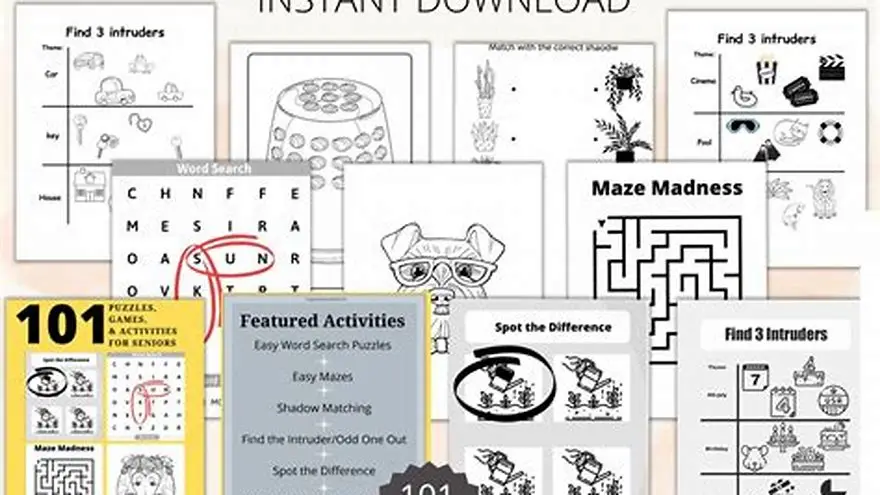
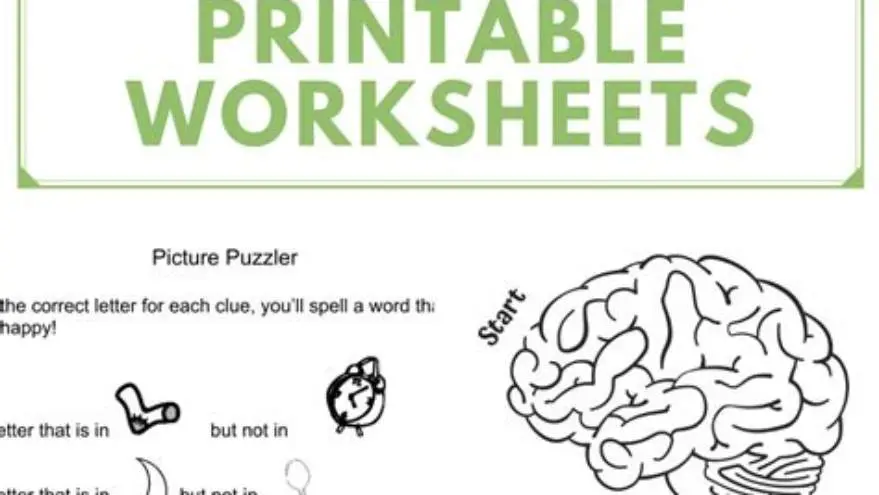
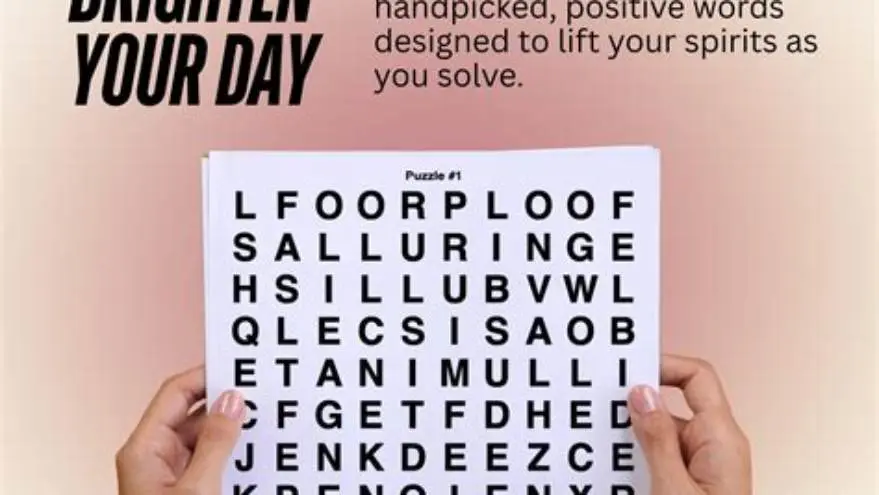
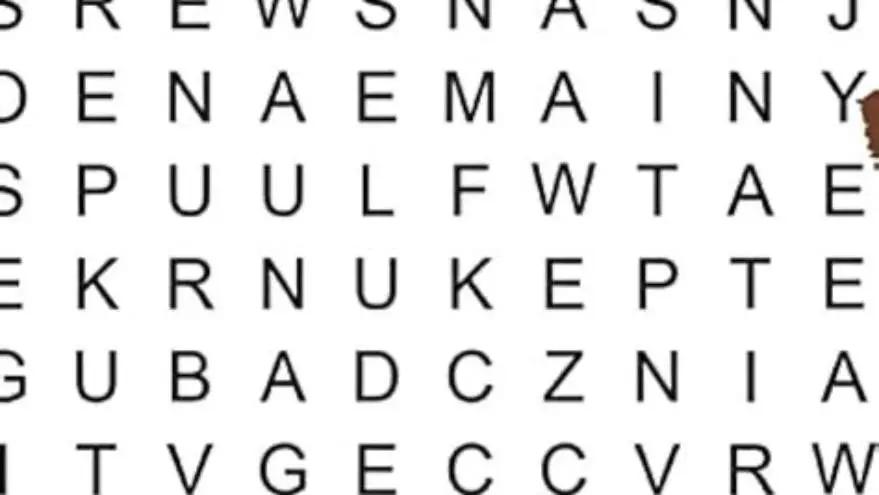
Word searches with 8 to 12 words work better than giant grids. Keep the word list short and the theme specific: "Cities in California" or "Types of Bread" give clear, achievable goals. Print the grid in a large, clean sans-serif font and list the words in 18-point type down the side. Skip diagonal and backward words if the person has vision trouble: horizontal and vertical only.
Picture matching games pair photographs or simple drawings. Print two copies of a set of 6 to 10 images (vintage cars, garden flowers, kitchen tools) cut them into cards, shuffle them, and lay them face down. The person flips two at a time looking for matches. Use real photographs rather than clip art when you can; they're easier to recognize and feel less juvenile. Laminate the cards if you'll reuse them, or just print on cardstock. There is more on cream paper for large print puzzles at home in a separate guide.
Conversation cards give prompts rather than puzzles: "What was your first car?" or "Describe your favorite holiday meal." Print one question per card in bold 20-point type, with plenty of white space. These work beautifully in group settings or one-on-one visits. They spark stories and connections without requiring a correct answer, which removes performance pressure. That's a relief for someone worried about getting things wrong.
Simple crosswords with 6 to 8 clues and large squares suit people who enjoy word games but find standard crosswords too dense. Make the grid 1 inch per square and print the clues in a numbered list beside it, not squeezed into tiny boxes. Themes like "Things in a Garden" or "Around the Kitchen" use familiar vocabulary and feel less intimidating than cryptic or literary clues.
For adults living with memory loss, the Gentle Minds Activity Kit includes over 130 printable pages at three levels of difficulty: Gentle, Easy and Steady. You get conversation cards, daily planning pages, and puzzles designed to respect ability rather than test it. It's a product we make, and it solves the problem of running out of appropriate, ready-to-print activities during the week. It's not a medical treatment, just a practical activity resource. One payment, instant download, print what you need when you need it. For the detail, see our notes on festive senior craft projects.
- Word searches: 8-12 words, horizontal and vertical only, 16-point grid
- Picture matching: 6-10 image pairs, printed on cardstock or laminated
- Conversation cards: one prompt per card, 20-point bold type, open-ended questions
- Simple crosswords: 6-8 clues, 1-inch squares, familiar themes
Tips for using printable memory games at home and in care settings
Print on bright white paper, not cream or recycled gray. Contrast matters more than you think. Black ink on bright white is easiest to read under varied lighting. If you're printing in color, use bold, saturated hues (deep blue, forest green, burgundy) rather than pastels, which wash out. Avoid background patterns or watermarks; they turn into visual noise.
Offer one activity at a time. Don't hand someone a stack of five puzzles and ask them to choose. Decision fatigue is real, especially for adults with memory loss. Instead, set out a single word search or a set of matching cards and say, "I thought we could try this one today." If they finish quickly and want more, you can bring out another. But starting with one removes pressure.
Work together rather than walking away. Sit beside the person, not across from them, and help when they get stuck. Point to the next word in the list, circle a match they missed, or just chat while they work. The activity is a reason to spend time together, not a test to pass. If they lose interest after three minutes, that's fine. Fold it up and try again tomorrow. There is more on printable 25x25 word search large letters in a separate guide.
In group settings, keep groups small (three to five people) and match ability levels when you can. A mixed-ability group frustrates everyone: the faster person finishes and gets bored, the slower one feels left behind. If you're leading a group, read the instructions aloud in a clear, unhurried voice. Give people time to look at the page before you start. Rush kills engagement.
Rotate activities across the week so people don't burn out on one type. Monday might be word searches, Wednesday conversation cards, Friday picture matching. Variety keeps interest up and gives people something to look forward to. Keep a simple log (a notebook page with the date and which activity you tried) so you remember what worked and what flopped.
How to adapt memory games when standard puzzles are too hard
Cut the word count. If a 12-word search feels overwhelming, print one with 6 words instead. Fewer words means less scanning, less frustration, and a better chance of finishing. Finishing matters. It builds confidence and makes the person willing to try again tomorrow. An incomplete puzzle that sits there half-done just reminds them of what they couldn't do.
Use high-contrast printouts. If black-on-white still looks faint, try printing in reverse: white text on a dark background, or bold text with a pale yellow highlight behind the letters. Some people find yellow overlays or colored transparent sheets helpful for reducing glare and improving letter tracking. Test a few approaches and see what the person prefers.
Simplify instructions. Instead of printing, "Find the following words hidden in the grid," just write, "Find these words." Use short, direct sentences and bold the key action words. If instructions run more than two lines, they're too long. The activity itself should be obvious from looking at the page.
Replace timed challenges with open-ended ones. Never put a clock on a memory game unless the person specifically enjoys racing against time. Most people find time pressure stressful, and stress shuts down memory rather than sharpening it. Let them work at their own pace. If it takes 20 minutes, it takes 20 minutes. If they want to finish it over two sessions, that's fine too.
Provide answer keys and use them without shame. The goal is engagement and enjoyment, not testing memory. If someone gets stuck on a word search, point out the next word. If they can't remember a name on a matching card, tell them. There's no wrong answer, and pretending there is just adds anxiety. Keep it light.
Printing costs and practical setup for regular activity sessions
Printing at home on an inkjet costs roughly 5 to 8 cents per page for black text, more if you print color photos or heavy graphics. A laser printer drops that to 2 to 3 cents per page, and it's faster and sharper. If you're printing activities several times a week, a basic monochrome laser printer pays for itself in a few months compared with inkjet cartridge costs. Look for models around $100 to $120 that handle US Letter and A4 without jamming.
Buy 500-sheet reams of bright white multipurpose paper, usually $8 to $10 per ream at office supply stores or online. Avoid the cheapest economy paper; it's too thin and ink bleeds through, making both sides hard to read. A 20-pound or 24-pound sheet is fine for single-sided printing. If you're printing two-sided, go with 24-pound or heavier.
Store printed activities in a three-ring binder with sheet protectors, sorted by type or difficulty level. Label the spine so you can grab the binder quickly when it's time for an activity. Keep a pencil case clipped inside with a few sharpened pencils, a large eraser, and a highlighter for marking progress. Everything in one place means less hunting around when the session starts.
If you're printing for a group in a care home or senior center, print in batches once a week. Set aside 30 minutes on Sunday to print the week's activities, sort them into folders, and check ink and paper levels. Running out of ink mid-week when you need an activity for Tuesday morning is frustrating and avoidable. Keep a spare toner cartridge or ink set on the shelf.
| Printer type | Cost per page (black) | Best for |
|---|---|---|
| Inkjet | 5-8 cents | Occasional color printing, low volume |
| Laser (mono) | 2-3 cents | Regular black-and-white, high volume |
| Laser (color) | 8-12 cents color, 3-4 cents black | Mixed use, higher upfront cost |
Questions people still ask
Can I print memory games on both sides of the paper to save costs?
You can, but only if the paper is thick enough that ink doesn't show through. Use 24-pound paper minimum for two-sided printing. Test one sheet first. If text from the back bleeds through and makes the front hard to read, stick to single-sided printing. Readability matters more than saving a few cents per page.
What if the person refuses to try the activity or gets frustrated quickly?
Don't push. Offer it once, and if they say no or quit after a minute, put it away without comment. Try again another day, or try a different type of activity. Frustration usually means the task is too hard, the type is too small, or they're not in the mood. All three are fixable, but not in the moment.
Are there memory games that work well for someone who can't read anymore?
Yes. Picture matching, simple sorting tasks (matching colors or shapes), and conversation cards with just images work when reading is no longer possible. Focus on tactile and visual activities rather than word-based puzzles. Music, textured objects, and photo albums often engage better than printed games at this stage.
How do I know which difficulty level to start with?
Start easier than you think. Print a 6-word word search or a simple matching game and see how it goes. If the person finishes quickly and asks for more, move up to 8 or 10 words next time. If they struggle or lose interest, simplify further. You'll find the right level within two or three tries.
Can I laminate printed memory games to reuse them?
Yes, laminating works well for matching cards, conversation prompts, and picture-based activities. Use a pouch laminator with 3 mil or 5 mil pouches. Don't laminate word searches or crosswords if the person writes on them; you'll need fresh copies each time. Laminated materials wipe clean and survive spills, which matters in group settings.
Ready to try it? It provides 130+ ready-to-print activities at three levels for adults with memory loss, solving the problem of finding appropriate, respectful materials.
See the Activity Kit