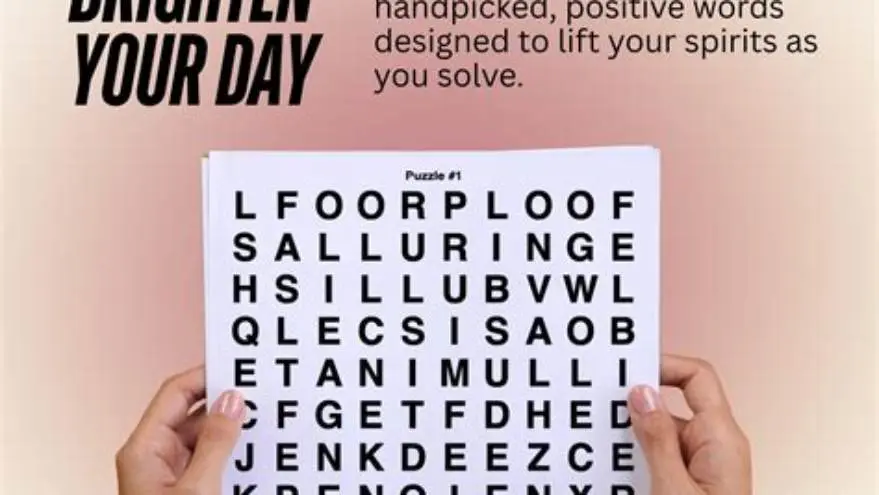
Brain games for seniors printable
Free large-print brain games and sudoku for seniors with tips on how to choose and print puzzles that are easy to read and engaging.
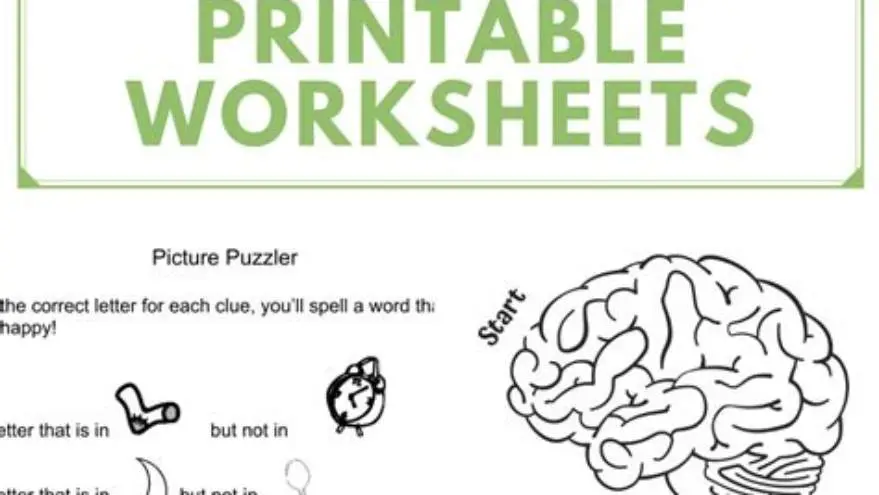
Large-print brain games for seniors printable usually use fonts sized between 16 and 24 points to ensure readability. Sudoku and word puzzles with clear layouts and high contrast enhance engagement for older adults with vision challenges.
On this page (8 sections)
- Key takeaways
- Why large-print brain games matter for seniors
- Free sudoku for seniors printable large print: what to look for
- Choosing large-print puzzles beyond sudoku
- How to print brain games for seniors effectively
- Sudoku for seniors large print: variants and difficulty tips
- Creating custom large-print puzzle books efficiently
- Questions people still ask
Part of our guide on fun indoor activities for seniors
| Font size | 16-24 pt |
|---|---|
| Sudoku grid size | 9x9 standard |
| Print contrast | High black on white |
| Common puzzle types | Sudoku, word search, crossword |
| Free printables | Widely available online |
Key takeaways
- Choose printables with font size at least 16 pt for easy reading
- Large-print sudoku variants help seniors follow the grid without strain
- Free printable puzzles often come in formats optimized for low vision
- Consider puzzle complexity suited to cognitive ability and interest
- BigPrint Puzzle Studio speeds up making customized large-print books
Why large-print brain games matter for seniors
Seniors often experience reduced visual acuity, making small text and cluttered puzzles frustrating or inaccessible. Large-print brain games use fonts sized 16 to 24 points, which is roughly double standard printing sizes. This size range depends on the senior’s eyesight and ambient lighting.
Increasing font size alone is not enough. The layout must avoid congestion, allowing numbers or letters to be clearly separated. High contrast, typically pure black text on white background, improves readability. Without these, seniors may struggle or lose interest quickly.
Cognitive changes also mean puzzles should balance challenge with approachability. Too difficult or visually dense puzzles increase frustration rates. Large-print puzzles with moderate difficulty sustain engagement longer and can help with memory and focus exercises.
Free sudoku for seniors printable large print: what to look for
When searching for free sudoku for seniors printable large print, focus on puzzles explicitly marked as large-print or designed for low vision. These usually feature 16 to 20 point fonts for the numbers and clear grid lines that separate cells distinctly. If that sounds like your situation, read up on large print puzzle gifts grandparents next.
Sudoku puzzles from regular sources are often too small, with numbers around 10 to 12 point sizes crowded in each cell. Such puzzles make following the grid difficult. Free printable sudoku adapted for seniors have larger cell sizes—generally 1.5 to 2 inches square—to allow easy pencil marks.
Another factor is puzzle difficulty. For seniors, especially those with cognitive issues or memory loss, easy to medium puzzles keep interest without causing discouragement. Most free printable sudoku sources provide difficulty ratings or multiple levels to choose from.
| Feature | Standard sudoku | Large-print sudoku for seniors |
|---|---|---|
| Font size | 10-12 pt | 16-20 pt |
| Cell size | 1 inch | 1.5 to 2 inches |
| Grid line thickness | Thin | Thick and clear |
| Difficulty levels | Varied, often harder | Usually easy to medium |
Choosing large-print puzzles beyond sudoku
Word searches, crosswords, mazes, and other brain games also benefit from large-print design for seniors. Commonly, font sizes of 18 to 24 points work well, paired with wide spacing between letters and uncluttered page layouts. People in this spot often ask about downloading free printable puzzles as well.
Printables with simple, bold fonts such as Arial or Verdana enhance legibility. Puzzle grids should have thick dividing lines to prevent visual merging of adjacent cells. Avoid puzzles with overly dense clues or tiny print footnotes.
Consider puzzle themes that resonate with seniors’ interests. Holiday-themed word searches or nature-based crosswords encourage motivation. Some printables also include hints or answer keys in large fonts to aid completion and reduce frustration.
- Font style: use sans-serif fonts for clarity
- Spacing: at least 1.5 times normal letter spacing
- Page layout: avoid clutter; one puzzle per page if possible
- Themes: pick topics familiar and enjoyable to the senior
How to print brain games for seniors effectively
Printing settings affect the usability of brain games. Use high-quality paper and set your printer to the highest contrast or photo quality mode if available to get crisp, dark text. Avoid glossy finishes that reflect light and obscure print. It helps to understand low vision activities elderly before going further.
Page size matters. Standard US letter or A4 paper is common, but if you can print on larger paper, puzzles become more readable. Adjust scale settings in the print dialog to enlarge puzzles without losing page integrity.
If printing multiple puzzles, organize them into booklets or binders for easy handling. Seniors often prefer pages that lie flat and are easy to turn. Laminated pages or sleeves allow pencil marks to be erased and puzzles reused.
- Set printer to high contrast or photo quality mode
- Choose paper with matte finish to reduce glare
- Select font sizes 16 pt or larger in the puzzle PDF or file
- Scale puzzle pages up to 120%-150% if fonts still seem small
- Bind or organize printed puzzles for ease of handling
Sudoku for seniors large print: variants and difficulty tips
Standard 9x9 sudoku puzzles are most popular, but variants with larger cells or smaller grids (4x4 or 6x6) can be easier for seniors with memory challenges. These smaller grids reduce the number of numbers to track at once. The other half of this decision is creating big letter word searches.
When selecting sudoku puzzles, choose easy or medium difficulty levels. These puzzles usually have more given numbers and fewer complex logical steps. Hard and expert-level puzzles may discourage seniors who want relaxing but stimulating games.
Pencil marks can help track possible numbers in each cell. Large-print sudoku puzzles should have space in each cell to write these in smaller fonts, typically 8-10 pt. Printed puzzles that accommodate pencil marks reduce mental load.
| Type | Grid size | Recommended font size | Difficulty suitability |
|---|---|---|---|
| Standard | 9x9 | 16-20 pt | Easy to medium |
| Mini | 6x6 | 18 pt | Best for beginners or cognitive decline |
| Micro | 4x4 | 20 pt | Simplest, good for severe memory loss |
Creating custom large-print puzzle books efficiently
If you want to create your own large-print brain games for seniors printable, tools like BigPrint Puzzle Studio streamline the process. This software lets you generate puzzles with fonts sized 16, 20, or 24 points and ready-to-print layouts optimized for seniors. If that sounds like your situation, read up on cream paper for large print puzzles at home next.
BigPrint Puzzle Studio also supports multiple puzzle types, including sudoku, word searches, and crosswords, plus themed word lists and answer keys. It produces Amazon KDP-compatible files for those interested in publishing or selling puzzle books.
An alternative free method is to find large-print puzzle templates online and modify them in word processors or graphic software. This requires more manual effort, especially ensuring font size and line thickness meet seniors’ needs. Testing printed pages remains essential.
Using a dedicated tool greatly reduces the time spent adjusting layouts, testing print sizes, and creating multiple puzzles, making it ideal for caregivers, activity directors, or hobbyists focused on large-print brain games. It helps to understand senior activities living alone before going further.
- BigPrint Puzzle Studio: fast creation, multiple puzzle types
- Manual templates: free but time-consuming and requires design skills
- Testing print quality: essential regardless of creation method
- Answer keys: improve senior engagement and independence
- Saves time creating large-print puzzles
- Includes multiple puzzle formats
- Ready for print and publishing
- User-friendly interface
- One-time purchase required
- Not a medical or cognitive therapy tool
- Less flexible than full graphic design software
Questions people still ask
What font size is best for brain games for seniors printable?
Font sizes between 16 and 24 points are recommended. The exact size depends on the senior’s vision and lighting, but 16 pt is generally the minimum for comfortable reading.
Where can I find free large-print sudoku puzzles for seniors?
Many websites offer free printable sudoku puzzles designed for seniors with large fonts and clear grids. Look for puzzles explicitly labeled 'large-print' or 'for seniors' to ensure readability.
How do I make sudoku easier for seniors?
Choose easy or medium difficulty puzzles with more given numbers, provide space for pencil marks, and consider smaller grid variants like 6x6 or 4x4 sudoku.
Can I print puzzles in bigger sizes than normal paper?
Yes, printing on larger paper or scaling puzzle pages up to 150% improves readability but requires a printer that supports larger formats or careful scaling to avoid clipping.
Is BigPrint Puzzle Studio suitable for people without design skills?
Yes, it's designed to be user-friendly for creating large-print puzzle books without needing graphic design experience, making it ideal for caregivers and activity directors.
Ready to try it? It lets you create and print large-print brain games with appropriate font sizes and layouts quickly, solving the common frustration of finding suitable puzzles.
Create large-print puzzles easily