Acrostic puzzle maker with large-print output: how to create and print
Create and print large-print acrostic puzzles easily with tools and tips tailored for seniors and low-vision users.
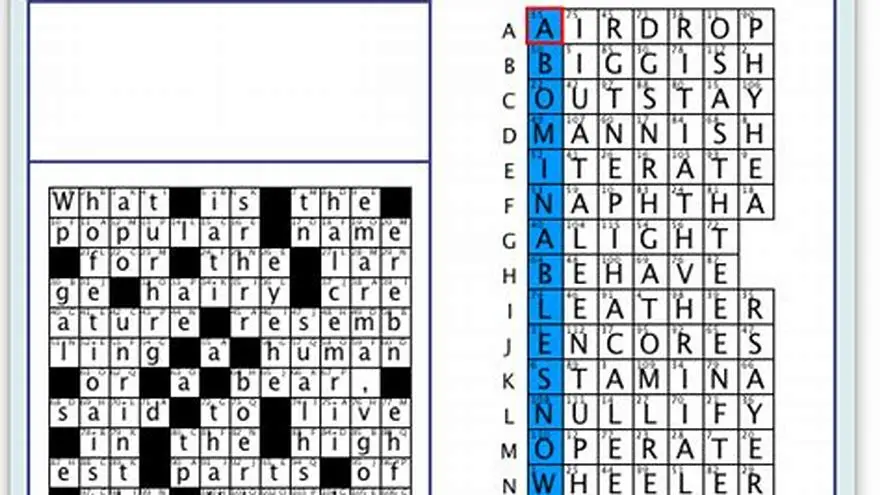
To create an acrostic puzzle with large print, use software or manual methods that support font sizes of 16 to 24 points or more, ensuring clear spacing and easy readability, especially suited for seniors or visually impaired users.
On this page (8 sections)
- Key takeaways
- How to create an acrostic puzzle in large print
- Tools or software that support large font output
- Printing tips to ensure puzzles are easy to read
- Examples or templates for large-print acrostics
- Acrostic puzzle maker that prints large: how to choose and use one
- Step-by-step: making a large-print acrostic puzzle manually
- Questions people still ask
Part of our guide on crossword puzzles seniors large print
| Font Sizes | 16-24 pt |
|---|---|
| Print Size | Letter or A4 |
| Puzzle Themes | 42+ |
| Software Cost | One-time |
| Computer Limit | Up to 3 PCs |
Key takeaways
- Large print means font sizes 16-24 pt, depending on eyesight needs.
- Manual creation is possible but requires careful formatting for readability.
- BigPrint Puzzle Studio offers ready-made large-print puzzles with adjustable font sizes.
- Printing quality and paper size greatly affect puzzle legibility.
- Templates and themes speed up puzzle creation for different skill levels.
How to create an acrostic puzzle in large print
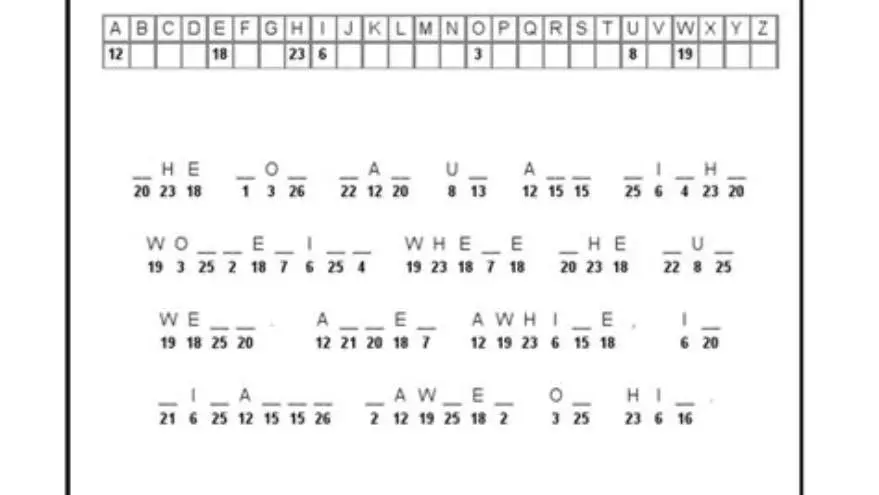
Start by choosing your acrostic phrase or word sequence. Each letter will be the first letter of lines in the puzzle’s clues or answers. To ensure large print, set your puzzle text in at least 16-point font; 20 or 24 points works better for low vision. The spacing between lines should be at least 1.5 line height to avoid crowding.
You can create acrostics manually in word processors like Microsoft Word or Google Docs by using tables or text boxes to align clues and answers. Use bold or underlined letters to highlight the acrostic letters vertically. Adjust line spacing and font size carefully so the puzzle fits on one or two pages of letter or A4 size paper without shrinking.
Manual layout takes time but lets you customize font style, size, and puzzle complexity. Save your work as a PDF to preserve print quality. However, manual methods lack automation in clue checking or answer validation, sometimes leading to errors or uneven spacing.
A common mistake is to choose an acrostic phrase that is too long or contains letters difficult to match with suitable clue lines. For large-print puzzles, shorter phrases of 5 to 10 letters are optimal to keep the puzzle manageable on one page without reducing font size. For example, using the word "FRIEND" allows six clear clue lines, each starting with the respective letter, fitting nicely with 20-point font and 1.5 line spacing. For the detail, see our notes on top puzzle book software.
Checking your puzzle's visual balance after layout is essential. If the acrostic letters appear cramped or the clue lines run over the page margin, increase page size or decrease font slightly. A test print is an effective method to confirm that letter sizes and spacing remain consistent and readable. If letters blur or overlap after printing, adjust font type to a clearer sans-serif option or increase line spacing beyond 1.5 lines.
- Complete customization
- No software cost
- Control over layout details
- Time-consuming
- Prone to layout errors
- No automatic puzzle checks
Tools or software that support large font output
BigPrint Puzzle Studio is a dedicated tool for creating large-print puzzles, including acrostics, with font sizes selectable among 16, 20, or 24 points. It generates puzzles with clear spacing, page numbers, and answer keys. This software is user-friendly and requires no graphic design skills.
Besides BigPrint Puzzle Studio, free or low-cost word processors and spreadsheet programs offer basic large-print capabilities but lack puzzle-specific features like answer validation or theme management. Some online puzzle generators provide large print output, but many lack flexibility for acrostics and may not support very large fonts. People in this spot often ask about cryptogram puzzles for beginners as well.
If you want ready-to-print, themed puzzle books tailored for older adults, tools like BigPrint Puzzle Studio save hours of manual formatting and ensure professional results suitable for Amazon KDP and Etsy sales.
- Automated puzzle generation
- Large font options
- Includes answer keys
- One-time purchase cost
- Limited to puzzles offered
- May require learning curve
Printing tips to ensure puzzles are easy to read
Print puzzles on letter or A4 size paper using high-quality printers that produce clear, dark text. Avoid light or faint ink, which reduces legibility. Matte paper reduces glare, making letters easier to see under various lighting conditions.
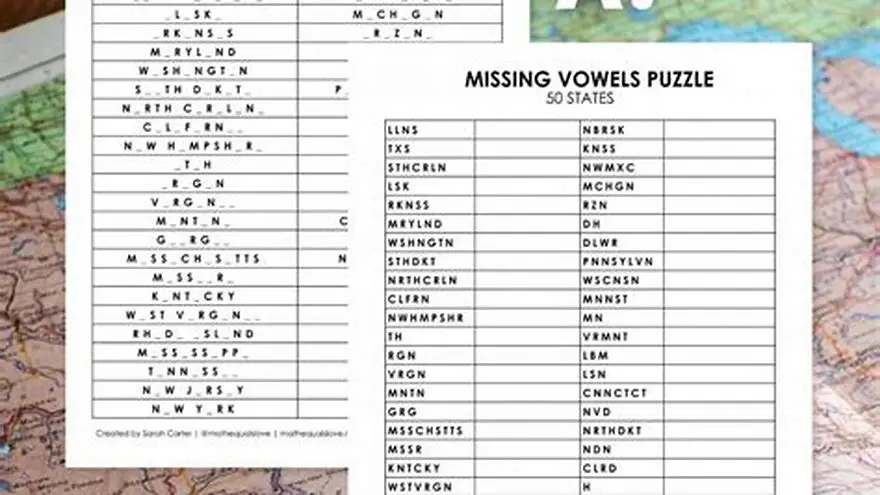
Use settings that do not shrink the puzzle. Confirm print preview to check if the font size stays large and the spacing does not compress. If printing multiple pages, ensure consistent margins to prevent puzzle parts from running too close to edges. The other half of this decision is playing missing vowels puzzles.
Lamination or protective sleeves can protect frequently used puzzles but may increase glare. For very low vision users, consider printing puzzles on colored paper with high contrast, such as black text on cream or yellow stock.
Using printer settings to print at 'Actual Size' or 100% scale ensures the large fonts remain as intended, avoiding unwanted downscaling. Some printers default to 'Fit to Page,' which can reduce font size and spacing, defeating the purpose of large-print puzzles.
If you notice letters smudging or bleeding on the paper, try switching to a higher quality print mode or using inkjet printers with pigment-based inks which provide sharper edges. Conversely, laser printers often produce crisper text suitable for large-font puzzles.
For puzzles to be reused in group settings, consider printing multiple copies on heavier cardstock. The increased thickness makes handling easier and reduces see-through from the reverse side, which can disturb readability, especially with large fonts.
- Improves readability
- Protects puzzles
- Enhances user experience
- Extra cost for special paper
- Lamination glare
- Printer limitations
Examples or templates for large-print acrostics
Templates help you avoid layout mistakes. A simple layout has the acrostic word vertically aligned on the left margin, with clue lines indented to the right. Highlight the first letter of each clue line in bold or color for clarity.
Many word processors have table templates sized for letter or A4 pages that you can adapt. Online puzzle sites sometimes offer downloadable large-print acrostic templates that you can fill manually.
Using BigPrint Puzzle Studio, you can access dozens of puzzle themes and pre-formatted layouts with large fonts already set. This reduces guesswork on spacing and design, letting you focus on puzzle content.
An example template for a large-print acrostic could consist of a table with two columns: the first column about 1.5 cm wide for the acrostic letter and the second column about 12 cm wide for the clue line. Set the font size to 20 points and line spacing to 1.5 or double spacing to improve clarity.
In one sample puzzle using the word "SUMMER," each clue line begins with the bold letter S, U, M, M, E, and R respectively. The clue lines are indented 1 cm from the letter column, and the puzzle fits comfortably on an A4 page using 24-point font.
When designing your own template, leave at least 2 cm margin on all sides to avoid clipping during printing. If you add an answer key, place it on a separate page with similar large-print formatting to maintain consistency.
Acrostic puzzle maker that prints large: how to choose and use one
When selecting an acrostic puzzle maker that prints large, prioritize tools offering font sizes of at least 16 points, clear spacing, and easy export to PDF or print-ready formats. The software should handle answer keys and layouts suitable for seniors with vision loss.
BigPrint Puzzle Studio fits this need well: it automates puzzle creation with large-print settings, provides themed word lists, and formats pages for print. You avoid manual layout headaches and get puzzles ready to print or sell quickly.
If you prefer free or manual methods, a word processor with custom font sizes and manual alignment can work, but expect more time spent ensuring legibility and consistent formatting.
You trade control for speed and polish using dedicated puzzle makers versus manual methods. Choose based on your comfort with software and the volume of puzzles you want to produce.
| Method | Font Size Control | Layout Ease | Automation | Cost | Best For |
|---|---|---|---|---|---|
| Manual with Word Processor | High | Low (manual) | None | Free | Small runs, full control |
| BigPrint Puzzle Studio | Preset 16-24 pt | High (automated) | Yes | One-time $17 | Quick, themed puzzle books |
- Saves time
- Built for seniors
- Professional format
- Less customization
- Upfront cost
- Limited to included puzzles
Step-by-step: making a large-print acrostic puzzle manually
To make a large-print acrostic manually, follow these six steps carefully to ensure legibility and accuracy.
1. Select your acrostic word or phrase, typically 5-10 letters long for readability.
2. Open a word processor and set the font size to 18 or 20 points, using a clear sans-serif font like Arial or Verdana.
3. Create a two-column table with one column narrow for the acrostic letter, the second wider for the clue or answer line.
4. Enter each letter of the acrostic vertically in the narrow column, bold or color it to highlight. In the wider column, write the clue line starting with the same letter.
5. Adjust row height and line spacing to at least 1.5 lines to avoid crowding. Add page numbers if multiple pages are needed.
6. Save and export as PDF, then print a test page to check font size and spacing before final printing.
Questions people still ask
Can I make large-print acrostic puzzles without special software?
Yes, you can use common word processors to manually create large-print puzzles by setting font sizes to 16-24 points and carefully formatting tables or text boxes. It takes longer and requires attention to layout.
What font size is best for seniors with low vision?
Font sizes between 16 and 24 points are generally recommended. Choose larger sizes if users have more severe vision loss, but ensure the puzzle fits the page.
Does BigPrint Puzzle Studio only create acrostics?
No, it generates multiple puzzle types including word searches and sudoku, all with large-print options suitable for seniors.
How can I check if my printed puzzle is readable?
Print a test copy and evaluate it under typical lighting conditions your users will have. Check if letters appear crisp, large enough, and if spacing avoids crowding.
Are there free large-print acrostic puzzle templates available?
Some websites and word processors offer free templates, but they often require manual adjustments to increase font size and spacing for large-print needs.
Ready to try it? It quickly produces large-print puzzles including acrostics with customizable font sizes and ready-to-print layouts.
Try BigPrint Puzzle Studio