Easy word scramble puzzles for seniors
Easy, large-print word scramble puzzles designed specifically for seniors, complete with printable answer keys for effortless activity planning.
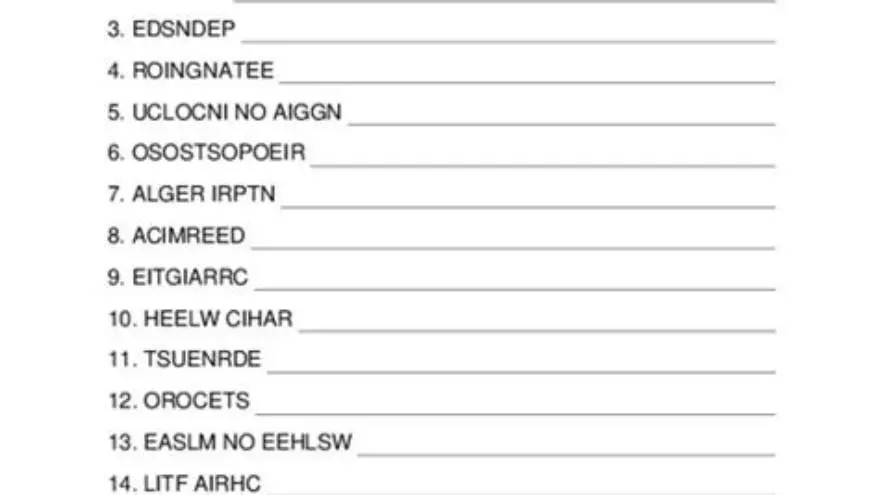
Word scramble games for seniors should have large, clear print—at least 16 to 24 point font—simple vocabulary and answer keys to support independent play. Printable puzzles tailored for seniors balance challenge and accessibility to keep the activity enjoyable.
On this page (8 sections)
- Key takeaways
- What makes word scramble games suitable for seniors
- Easy word scramble examples suitable for seniors
- Recommended print sizes for readability
- Printable puzzle formats with answer keys
- How to create custom large-print word scramble puzzles manually
- Using BigPrint Puzzle Studio for easy puzzle creation
- Questions people still ask
Part of our guide on crossword puzzles seniors large print
Large-print, easy word scramble puzzles designed specifically for seniors make brain games accessible and enjoyable with clear print and handy answer keys.
| Font size | 16-24 pt |
|---|---|
| Word length | 4-7 letters |
| Answer keys | Included |
| Puzzle formats | PDF printable |
| Custom puzzle tools | Available |
Key takeaways
- Use at least 16-point font for readability in puzzles
- Choose simple, familiar words to avoid frustration
- Provide answer keys for quick reference or facilitation
- Printable formats enable easy distribution and reuse
- Tools like BigPrint Puzzle Studio simplify custom puzzle creation
What makes word scramble games suitable for seniors
Word scramble games for seniors must meet specific accessibility and cognitive needs. Choosing scrambled words that are familiar and not too long avoids frustration. Most seniors find puzzles with words between four and seven letters manageable, depending on their abilities.
Print size dramatically affects usability. Seniors with low vision benefit from puzzles printed in font sizes from 16 to 24 points. This range depends on the person's visual acuity and lighting conditions where the puzzle will be played.
Answer keys are essential. They help caregivers or players check solutions without stress. Puzzles without keys can cause confusion and reduce enjoyment, especially for those with mild memory loss or cognitive decline.
Easy word scramble examples suitable for seniors
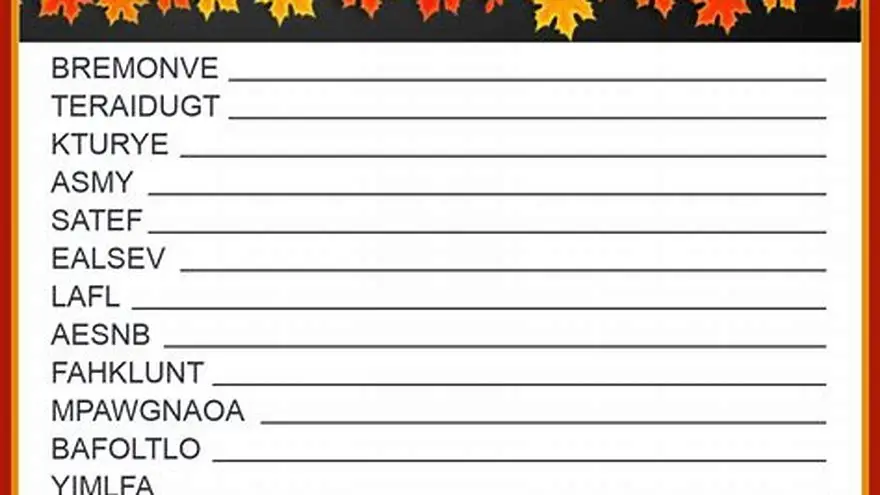
Ideal scrambled words balance simplicity and engagement. Examples include common nouns like ‘APPLE’, ‘CHAIR’, ‘TABLE’, ‘RIVER’, and ‘HOUSE’. These words usually contain 4 to 6 letters, making them easier to unscramble without overwhelming difficulty. The other half of this decision is easy word games for elderly at home.
You can scramble words by mixing their letters randomly but avoid placements that produce similar or confusing letter groups. For example, scrambling ‘APPLE’ as ‘PPAEL’ may be easier to recognize than ‘ELPPA’.
The word list should reflect the interests or experiences of the seniors involved to increase engagement. Themes like seasons, food, or daily objects connect better than abstract or technical vocabulary.
Another approach to making easy word scrambles is to limit the number of scrambled letters shown. For example, instead of mixing all letters in ‘RIVER’ as ‘VREIR’, show only the last three letters scrambled while keeping the first two intact, like ‘RIERV’. This partial scrambling reduces complexity but keeps the game engaging. People in this spot often ask about printable thanksgiving word scramble as well.
A simple worked example: take the word ‘TABLE’. Scramble it as ‘ELBAT’. The player can identify letter patterns such as 'TAB' and 'LE' to guess the original. Ensuring the scrambled word does not start with an unusual letter cluster helps recognition, so starting with vowels or common consonants is preferred.
Including themed word lists also improves motivation. For example, a summer theme could include words like ‘BEACH’, ‘SUNNY’, ‘OCEAN’, and ‘WAVES’. This thematic consistency supports memory cues and makes guessing easier for seniors.
| Word length | Example word | Typical scramble |
|---|---|---|
| 4 letters | HOME | MEHO |
| 5 letters | APPLE | PPAEL |
| 6 letters | RIVER | VIRER |
Recommended print sizes for readability
Print size is critical for seniors, especially those with low vision. The accepted range for large print in puzzles is 16 to 24 point font. This depends on the printing method, paper quality, and ambient light. Before you commit to anything, it is worth looking at beginners cryptogram puzzles.
Larger fonts improve legibility but reduce the number of words per page, so balance is required. For group activities, 20 to 24 point font is often preferred, allowing everyone to see clearly from a short distance.
Paper color and contrast also matter. Black text on white or off-white paper with matte finish reduces glare and eye strain. Avoid using colored backgrounds that can reduce letter clarity.
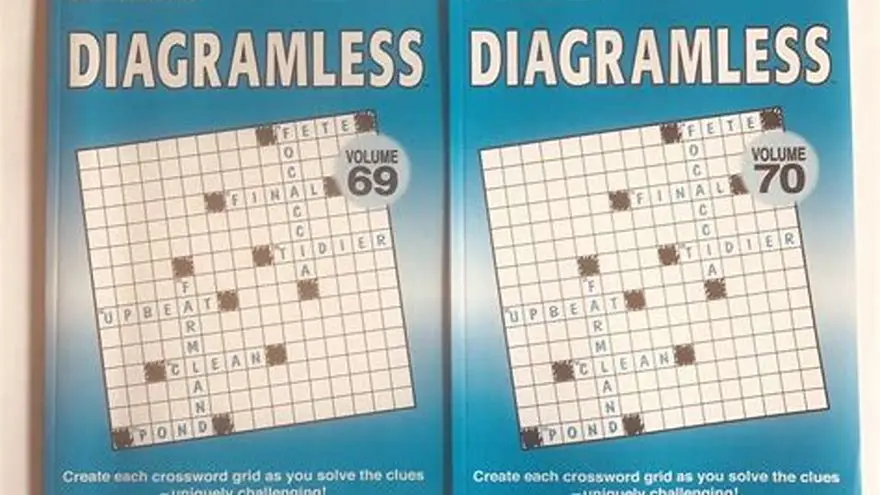
Lighting conditions greatly influence readability along with print size. In dimmer rooms, fonts on the higher end of the range, around 22 to 24 points, are preferable to reduce eye strain. Conversely, well-lit spaces might allow for 16 to 18 points if seniors have better vision. Before you commit to anything, it is worth looking at large print diagramless crossword grid.
Contrast ratio between text and background should meet accessibility standards. Black text on a white background typically achieves a 21:1 contrast ratio, which is ideal. Lower contrast, such as gray text on off-white, can cause difficulty and slow down solving speed.
For seniors using magnifiers, slightly larger fonts may be necessary. Testing with actual users before printing large batches ensures the print size matches the target group's needs. A common check is to have the senior read aloud a sample puzzle to verify comfort and clarity.
Printable puzzle formats with answer keys
Printable word scramble puzzles usually come in PDF format. This ensures consistent layout and font size across devices and printers. PDFs can be printed at home or by a professional service. There is more on daily themed crossword answers in a separate guide.
Answer keys should be included on a separate page or at the bottom of the puzzle pages. This facilitates independent play and helps caregivers quickly assist without ruining the puzzle challenge.
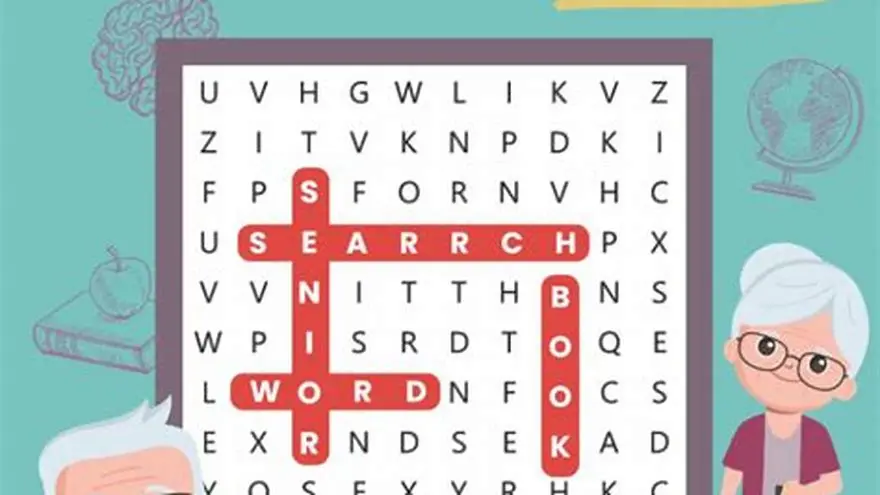
Some puzzle books combine word scrambles with other large-print puzzles like crosswords or word searches. This variety can increase engagement for seniors who enjoy multiple puzzle types.
Alternative printable formats include laminated sheets and puzzle booklets. Laminating puzzles allows seniors to use dry-erase markers, making the activity reusable and environmentally friendly. This format is especially useful in group settings such as senior centers.
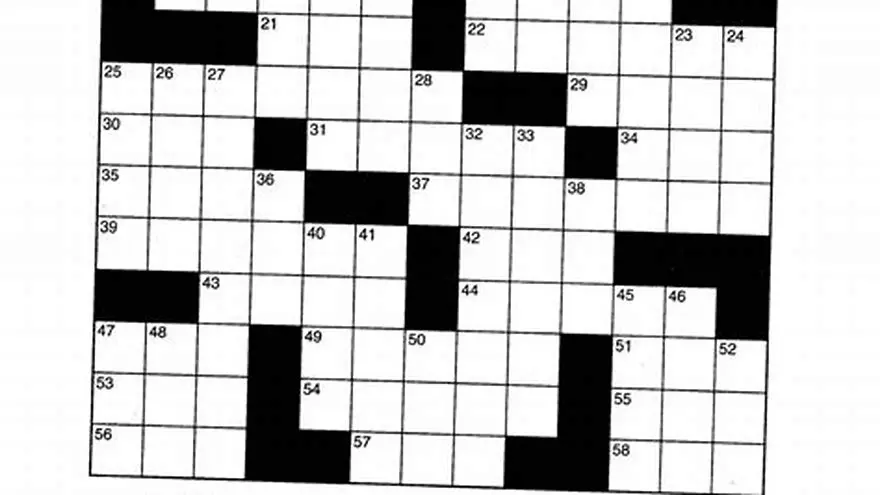
Some puzzles include numbered clues alongside scrambled words, similar to crosswords. This hybrid format adds variety and can help seniors who enjoy slight increases in challenge while maintaining accessibility.
When providing answer keys, consider printing them in a slightly smaller font (e.g., 14-16 points) but still clear, to differentiate from the puzzle. This visual distinction helps players avoid accidentally reading answers before attempting the puzzle.
How to create custom large-print word scramble puzzles manually
Creating your own large-print word scramble puzzles involves three steps: selecting words, scrambling them, and formatting the puzzle.
First, choose words familiar to the seniors you’re serving, ideally 4-7 letters long and relevant to their interests or experiences. Avoid obscure or very long words as these can cause frustration.
Second, scramble the letters of each word by randomizing their order. Test the scrambled word yourself to ensure it’s neither too easy nor impossible to solve.
Third, format the puzzles in a document with a font size of at least 16 points. Use a clear, sans-serif font like Arial or Calibri for maximum readability. Add an answer key on a separate page.
Finally, print a test copy to check font size, contrast, and overall readability before making multiple copies.
- Select 10-15 familiar words, 4-7 letters each
- Randomly rearrange letters in each word
- Type scrambled words in 16-24 pt font using a clear font
- Create a matching answer key on a separate page
- Print test copy to verify readability and layout
Using BigPrint Puzzle Studio for easy puzzle creation
BigPrint Puzzle Studio simplifies making large-print word scramble puzzles by automating word selection, scrambling, formatting, and answer key creation.
The tool offers font size options of 16, 20, and 24 points, ensuring the puzzles meet seniors’ readability needs without the user needing design skills.
It features themed puzzle templates and generates ready-to-print PDFs with answer keys included. This saves hours compared to manual formatting and proofreading.
However, it is not free software and requires a one-time payment. Those with basic document skills can create puzzles manually for free but will spend more time.
This tool best suits activity directors, caregivers who want to provide regular puzzles, and sellers who want to produce large-print puzzle books efficiently.
- Automates formatting and answer keys
- Multiple large font size options
- Predefined word themes included
- Generates print-ready PDFs
- Requires one-time purchase
- Not intended for medical or therapeutic use
- Less flexible for highly customized puzzles
BigPrint Puzzle Studio strongly supports easy, accessible large-print word scramble puzzle creation but costs more than manual methods.
Questions people still ask
What font size is best for seniors with low vision?
A font size between 16 and 24 points is generally best for seniors with low vision. The exact size depends on lighting and individual eyesight. Larger fonts improve clarity but limit puzzle space.
Can I use any words for word scrambles with seniors?
Choose familiar words, typically 4 to 7 letters long, related to daily life or interests of the seniors. Avoid obscure or overly long words to prevent frustration.
Do I need to provide answer keys with word scramble puzzles?
Yes, answer keys are important for independent solving and for caregivers to assist without spoiling the fun. They should match the exact scrambled version.
Are printable word scramble puzzles better than digital ones for seniors?
Many seniors prefer printed puzzles due to ease of use, better contrast, and ease of marking answers. Digital puzzles require device handling and screen visibility that may be challenging.
Is BigPrint Puzzle Studio suitable for beginners?
Yes, it’s designed to be user-friendly for people with little puzzle design experience, streamlining the creation of large-print puzzles.
Ready to try it? It automates large-print puzzle creation, formatting, and answer key generation, saving time and ensuring accessibility for seniors.
Create large-print puzzles