Easy word games for elderly at home: 5 simple, printable and online options
Discover easy word games ideal for elderly at home, including printable and online options with setup tips and accessibility advice.
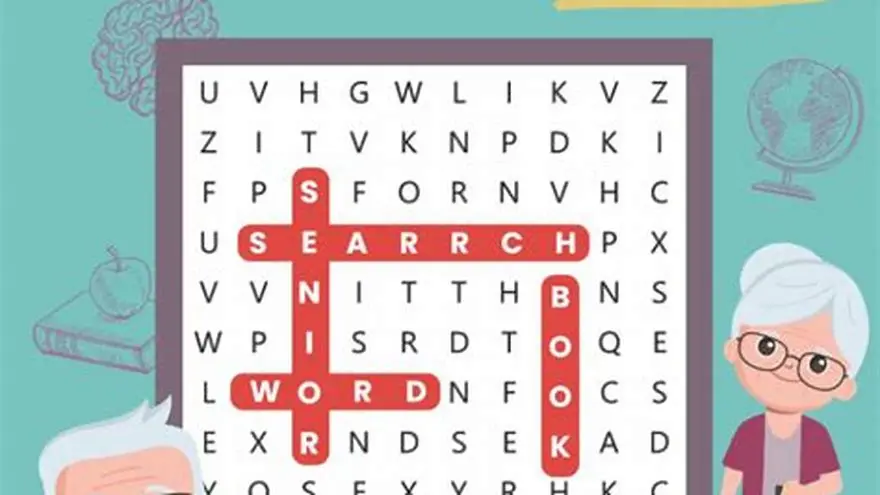
Easy word games for elderly at home include large-print crossword puzzles, word searches, simple word scrambles, and bingo word games, usually printable or playable online using clear fonts and low distractions for accessibility.
On this page (8 sections)
- Key takeaways
- What makes a word game easy for elderly players
- Examples of printable and online word games
- How to set up and play these games at home
- Tips for keeping word games engaging and accessible
- Easy word games for elderly at home: printable and online options
- Choosing the right word games based on needs and preferences
- Questions people still ask
Part of our guide on large print crossword puzzles for seniors
| Print size | 16-24 pt font |
|---|---|
| Puzzle types | Crosswords, word searches, scrambles |
| Game length | 5-30 minutes |
| Player count | Solo or group |
| Setup effort | Minimal |
Key takeaways
- Choose word games with large, clear print and simple rules for elders.
- Printable puzzles and simple online games fit best for home use.
- Setting up easy games involves low-tech materials and straightforward instructions.
- Keeping games engaging requires variation and adapting difficulty to the player’s ability.
- BigPrint Puzzle Studio helps create accessible printable puzzles quickly.
What makes a word game easy for elderly players
An easy word game for elderly players uses large print (at least 16 pt) and clear, sans-serif fonts to reduce eye strain. Contrast between text and background should be high, with black letters on white or cream backgrounds preferred. Games need simple, uncluttered layouts so the player’s focus isn’t overwhelmed.
The words used should be familiar and not too long; typical word length is under 8 letters for ease of recognition. Instructions must be brief and straightforward, ideally under 3 steps, so players can remember them without frustration. Games that allow self-paced play suit elderly individuals best, as they can take breaks whenever needed.
Physical accessibility counts, too. Games should require minimal fine motor skills — large pieces or print enable use by those with arthritis or reduced dexterity. Social or solo play options help cater to different preferences or cognitive states.
Examples of printable and online word games
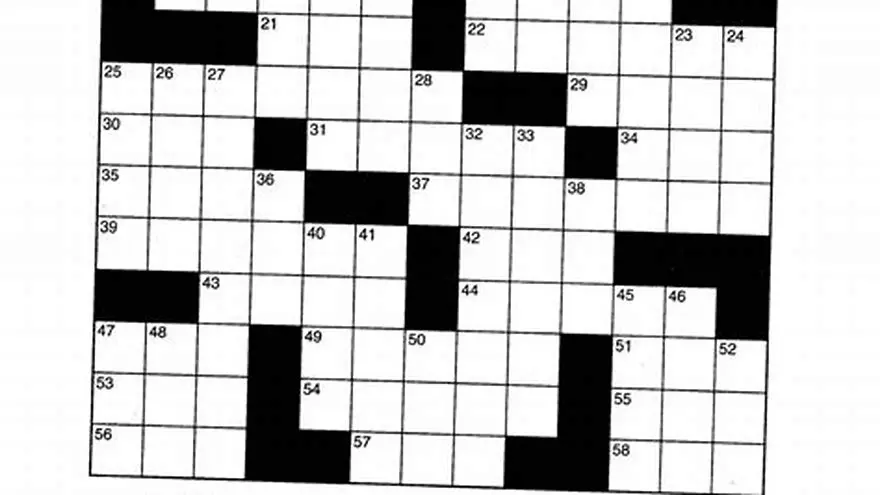
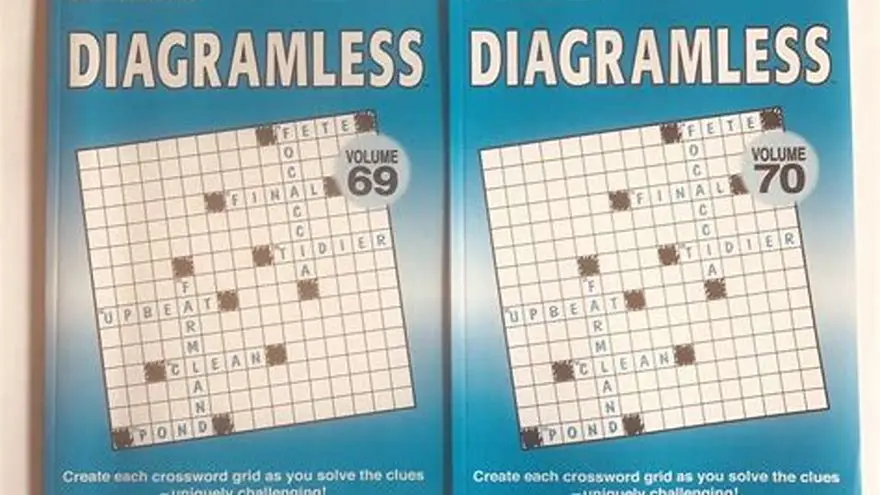
Printable word games that fit the easy criteria include large-print word searches, crosswords with simple clues, and word scrambles using common words. These can be found free online or created using tools like BigPrint Puzzle Studio, which provides ready-made large-print puzzles or lets you design your own with minimal effort. It helps to understand diagramless crossword large print easy grid 15x15 before going further.
Online options range from simple web-based puzzles with adjustable font sizes to apps that offer voice instructions and simplified interfaces. Games like online word searches or basic crossword puzzles with morning or afternoon difficulty options work well. However, avoid games with timers or complex scoring systems as these add pressure and confusion.
Both printable and online games should have answer keys or hints available to help players progress without frustration. Printable formats can be laminated and reused with wipe markers if desired.
| Game Type | Format | Print Size | Setup Needed | Best For |
|---|---|---|---|---|
| Word Search | Printable & Online | 16-24 pt print | Print or click | Solo or group |
| Crossword | Printable & Online | 16-24 pt print | Print or click | Familiar words |
| Word Scrambles | Printable | 16-24 pt print | Print & cut pieces | Hands-on play |
| Bingo Words | Printable | 16-24 pt print | Print cards & markers | Group play |
How to set up and play these games at home
Start by selecting or printing puzzles in large print with simple, clear instructions. Use 16-24 pt font size for readable text. Lay the printouts on a stable, well-lit surface to avoid shadows. Provide pencils with thick barrels or markers for easier handling. If playing online, choose full-screen mode and increase font size in browser settings. People in this spot often ask about word games for senior groups as well.
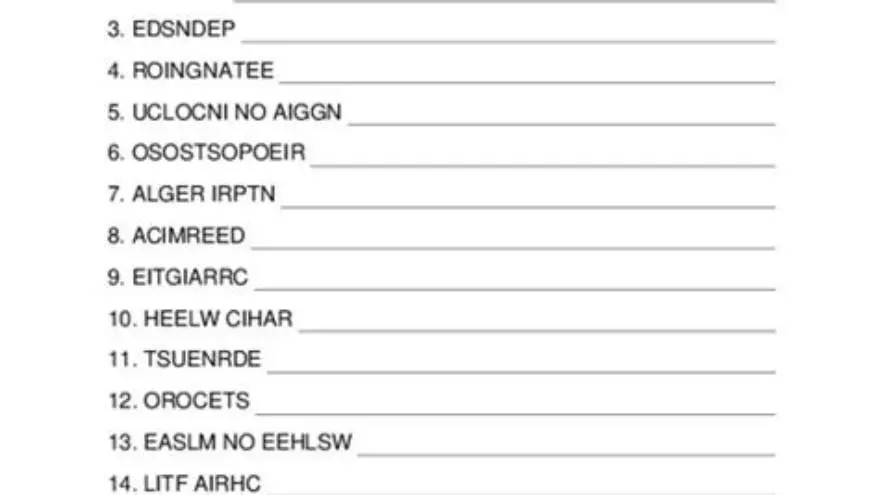
For word scrambles, print letters on paper or cardstock and cut them into large, easy-to-handle pieces. Arrange pieces on a flat surface where the player can see all letters clearly. Group activities like word bingo require printing cards and providing counters or markers.
Play instructions should be presented clearly and repeated if needed. For example, in word searches, tell the player to circle or highlight words from the list whenever they find them. Keep play sessions to 15-30 minutes to avoid fatigue. Provide breaks and refreshments as needed.
- 1. Choose or print a large-print word puzzle suited to the player’s ability.
- 2. Prepare writing tools or letter pieces with adequate size and grip.
- 3. Explain the game rules clearly and demonstrate if possible.
- 4. Set up a quiet, well-lit area with minimal distractions.
- 5. Let the player complete the game at their own pace with breaks.
Tips for keeping word games engaging and accessible
Rotate between puzzle types to maintain interest. For example, mix crosswords one day with word scrambles or bingo the next. Vary difficulty within familiar themes to keep challenges manageable but stimulating. Use seasonal or familiar word lists to enhance emotional engagement. People in this spot often ask about word scramble games for seniors as well.
Accessibility can be boosted by adjusting print size as needed and using colored markers rather than pencil when vision is poor. Keep distractions in the environment minimal — turn off background TV or loud noises during play to help concentration.
Social interaction adds motivation: encourage family members or caregivers to join in or cheer on the player. Celebrating small successes and progress builds confidence, especially for those with mild memory loss or cognitive decline.
- Variety - switch game types weekly to avoid boredom
- Difficulty - tailor word complexity to current skill
- Accessibility - use colors and larger print for visibility
- Environment - quiet and comfortable setting aids focus
- Social play - include others to boost motivation
Easy word games for elderly at home: printable and online options
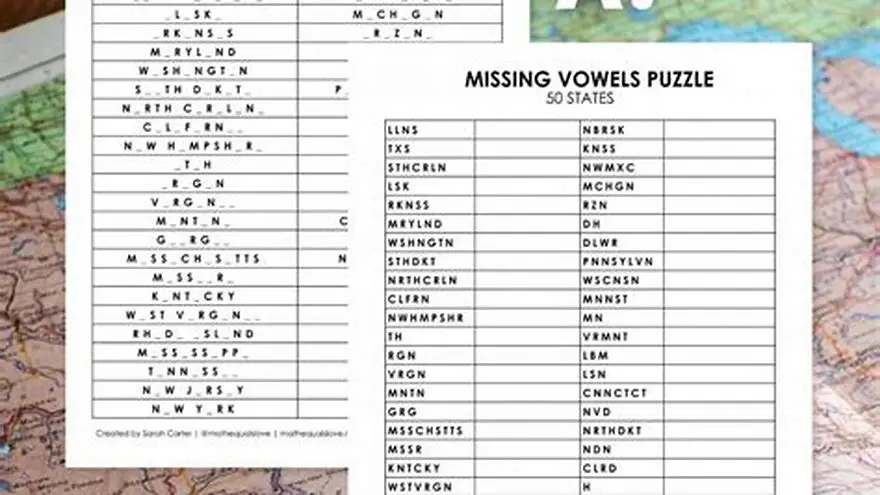
The best easy word games for elderly at home combine large-print, simple rules, and accessible formats. Printable puzzles such as word searches and crosswords with font sizes of 16-24 pt are common and convenient. Online games must allow font size adjustment and avoid fast timers or complex scoring. There is more on missing vowels puzzle play in a separate guide.
One practical method is to create personalized puzzles using BigPrint Puzzle Studio. This tool lets caregivers or activity directors quickly build large-print puzzles with custom word lists and ready answer keys. It suits those wanting tailored games or multiple copies for groups.
Alternatively, free printable word searches and crosswords with large print can be found on senior activity sites or created manually using word processing software with font size and layout adjusted. For online play, simple puzzle websites with adjustable settings suffice, but check that the interface is not cluttered.
Both printable and online options require attention to accessibility and player preferences to be effective. The choice depends on whether you want physical copies with tactile engagement or the convenience of digital play. There is more on checking daily crossword solutions in a separate guide.
- Easy to customize with BigPrint Puzzle Studio
- Printable for tactile engagement
- Online puzzles accessible anywhere
- Online may require tech familiarity
- Printing costs and effort
- Limited difficulty adjustment in some free puzzles
Choosing the right word games based on needs and preferences
Consider vision, cognitive ability, and motor skills when selecting word games. Players with low vision benefit most from puzzles with fonts sized 20 pt or above and high contrast. Those with memory concerns prefer simpler, repetitive word lists and games allowing hints or help.
Social preferences matter too. Some elderly players enjoy solitary challenges, while others thrive in group settings like word bingo. Evaluate if you want multiple copies or one-off activities and whether players will use paper or digital devices.
Balancing challenge and enjoyment is key. Games too easy cause boredom; too hard lead to frustration. Start with moderate difficulty and adapt. Keep games short (15-30 minutes) and encourage breaks. The setup should be quick and require minimal materials for best home usability.
| Need | Recommended Game Type | Print Size | Format |
|---|---|---|---|
| Low vision | Large-print word searches | 20-24 pt | Printable |
| Memory loss | Simple crosswords with hints | 16-20 pt | Printable or online |
| Limited dexterity | Word bingo with large cards | 20 pt | Printable |
| Social play | Group word bingo | Large print | Printable |
| Solo play | Word scrambles | Large print | Printable or online |
Questions people still ask
How large should print be for elderly word games?
Print size should be at least 16-point font, with 20-24 point preferred for low vision. High contrast colors also improve readability.
Are online word games suitable for seniors with limited tech experience?
Simple online games with large buttons and adjustable font sizes can be suitable, but some may require assistance setting up or playing.
How can I make printable word games reusable for elderly players?
Laminating printouts allows use with dry-erase markers, making puzzles reusable and more tactile.
What themes work best for engaging elderly players in word games?
Themes related to familiar topics like holidays, nature, or hobbies tend to increase interest and emotional connection.
Can I create custom word games for my elderly family member?
Yes, tools like BigPrint Puzzle Studio simplify making large-print custom puzzles tailored to specific interests and skill levels.