Memory match cards with laminating pouches: step-by-step prep and reuse tips
How laminating pouches change card size, how to cut laminated cards, and managing durability for group memory match games with seniors.
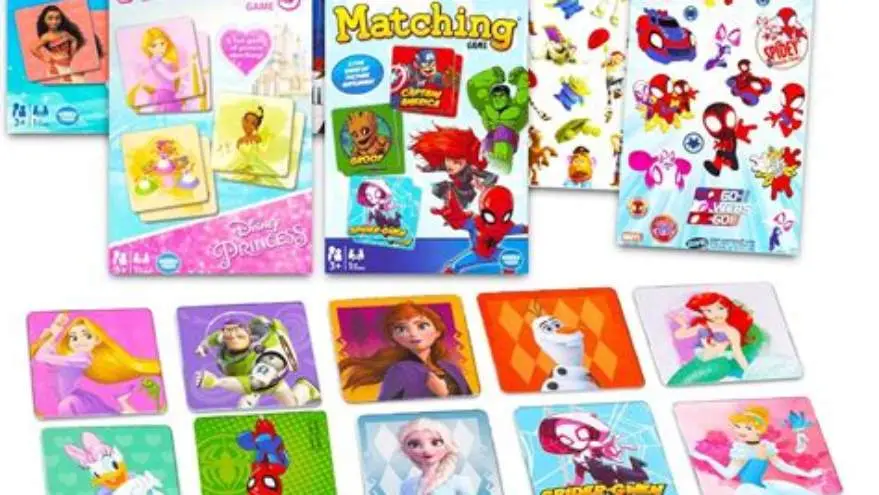
Memory match cards usually enlarge by about 1-2 mm per edge after lamination, so design cards slightly smaller than the pouch size. Trim laminated edges carefully with sharp scissors or a craft knife, leaving a sealed border to protect durability in group use.
On this page (8 sections)
- Key takeaways
- How to design or select cards sized for laminating pouches
- Best lamination settings and pouch types for memory match cards
- Trimming and handling laminated cards
- How to reuse and clean laminated cards for seniors
- Memory match card games with laminating pouches
- How to design for laminating and cut memory match cards with laminating pouches
- Questions people still ask
Part of our guide on creative nursing home activities
Avoid wasted laminating pouches and fragile cards with precise card design, trimming, and care for durable group memory match games.
| Card size change | +1-2 mm edges |
|---|---|
| Sealed border after cutting | 3-5 mm |
| Common pouch thickness | 3-5 mil |
| Cleaning method | Mild wipes |
| Durability tradeoff | Thicker = stronger |
Key takeaways
- Laminating adds 1-2 mm to each card edge, affecting fit in pouches.
- Cut laminated cards with sharp tools, leaving a 3-5 mm sealed border.
- Thicker pouches increase durability but slightly enlarge cards more.
- Reusable cards can be cleaned with mild wipes, ideal for seniors.
- Design cards smaller than pouch size to avoid overhang and waste.
How to design or select cards sized for laminating pouches
Laminating memory match cards with pouches affects their final size by roughly adding 1 to 2 millimeters of thickness on every edge. This change depends on the pouch thickness, mostly between 3 and 5 mils (thousandths of an inch). To avoid cards sticking out or wasting pouch space, design your printable cards roughly 3 to 5 mm smaller in width and height than the pouch's inner size.
For example, a 4x6 inch laminating pouch holds cards that must be smaller than 3.9x5.9 inches to allow room for the lamination seal. If you’re printing multiple small cards on a sheet, plan for consistent margins so they fit well once laminated.
Selecting pre-made cards or digital templates sized for lamination is common. Look for descriptions specifying compatibility with your laminator’s pouch size. If none exist, measure the pouch’s inner usable area. Adjust card size in your design software accordingly.
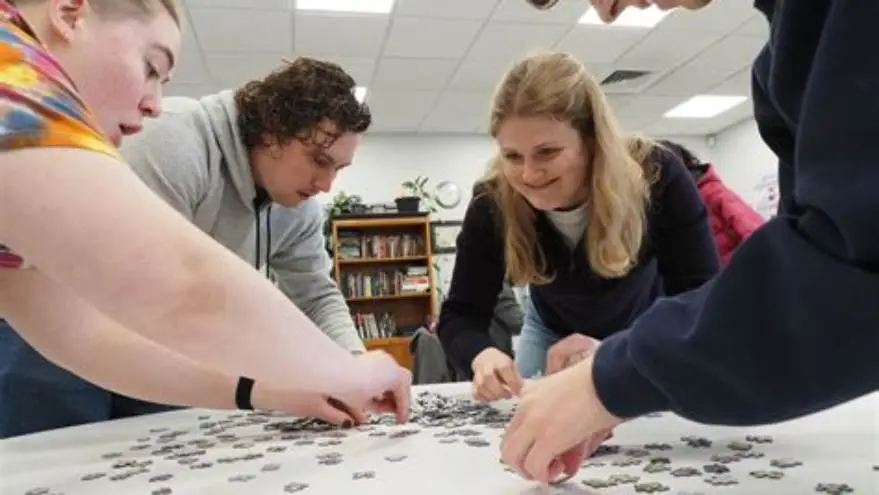
Designing larger-print cards for seniors requires extra care to balance readability with fit. Oversized cards trimmed down after lamination can waste pouch material or cause uneven sealed edges, compromising durability. Aim for clear fonts and symbols scaled to the slightly smaller laminated size. Before you commit to anything, it is worth looking at puzzle club at senior center.
Best lamination settings and pouch types for memory match cards
Most home laminators operate at fixed temperature and speed, with settings often labeled as 'low' or 'high'. For memory match cards, a temperature range of about 250 to 270°F (121-132°C) on 'medium' to 'high' heat suits 3 to 5 mil thickness pouches well. Thicker pouches (5 mil) require a slightly higher heat to seal properly. Check your laminator's manual for recommended settings for pouch thickness to avoid under- or over-heating.
Pouch thickness affects durability and thickness. Thinner pouches (3 mil) produce more flexible cards but sacrifice some protection, while 5 mil pouches increase rigidity and resist wear better in group use where cards are handled often.
Matte finish pouches reduce glare and finger smudges, which can help seniors with low vision. Glossy pouches offer a clearer image but can reflect overhead light, potentially causing difficulty in reading small details. There is more on designing cards to support memory in a separate guide.
Avoid laminating too many cards at once to prevent jamming or uneven heating. Feed pouches slowly and straight to the laminator rollers.
If you laminate a card twice (double lamination) the thickness adds up, which can make cards harder to shuffle but more durable. This step is optional depending on how heavily the cards will be used.
- Protects cards from spills and wear
- Matte finish reduces glare
- Thicker pouches improve durability
- Thicker pouches increase card size
- Double lamination adds bulk
- Wrong heat setting can warp cards
Trimming and handling laminated cards
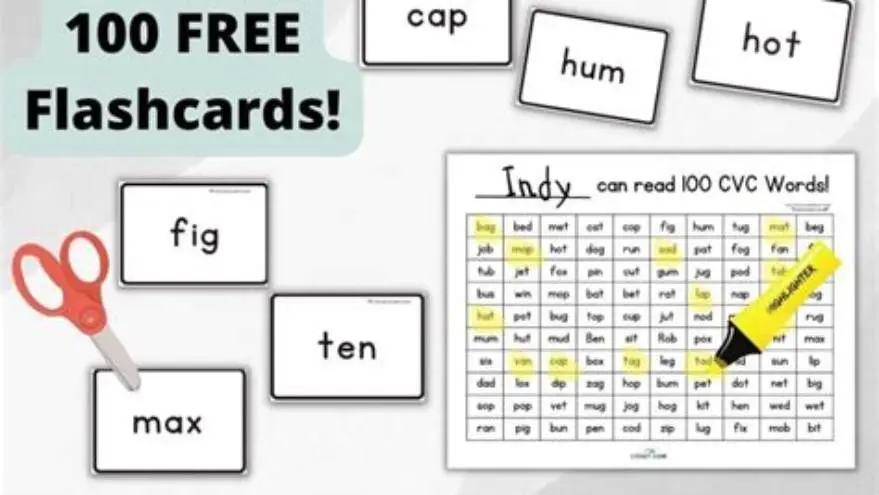
After lamination, memory match cards increase in size by approximately 1-2 mm on each edge due to the sealed plastic. Trimming these cards requires sharp scissors or a craft knife with a ruler and cutting mat for straight edges. Before you commit to anything, it is worth looking at group games with answers.
Leave a minimum of 3 millimeters of sealed pouch border around each card to maintain the lamination's waterproof and dustproof protection. Cutting too close to the printed edge risks delamination and damage during use.
Use a cutting guide or template that accounts for the pouch margin and card size. Avoid tearing laminated edges by steady, firm cuts and don't bend the card while trimming.
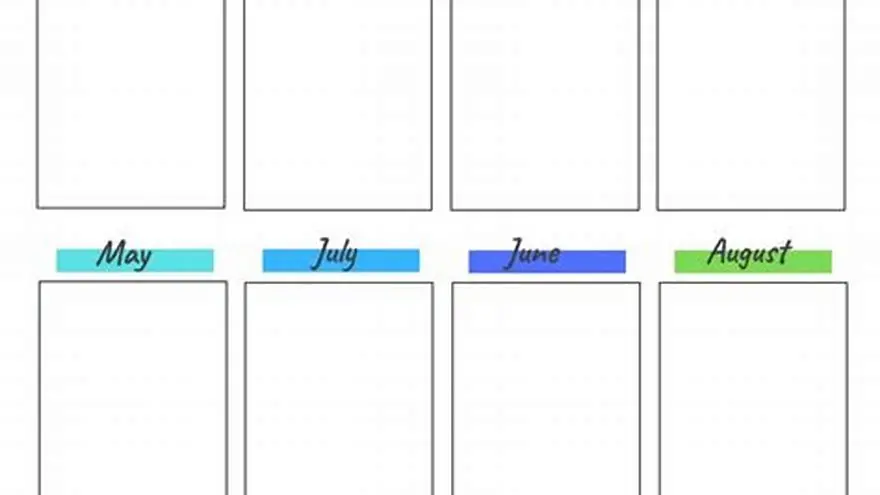
Store trimmed cards flat and avoid stacking them tightly to prevent warping. Thick laminated cards resist bending better but still should be handled gently to maintain shape. We go through step-by-step calendar creation step by step elsewhere on the site.
How to reuse and clean laminated cards for seniors
Laminated memory match cards for seniors are reusable if cleaned properly. Use mild disinfectant wipes or a damp cloth with soap and water to remove fingerprints, dust, and spills. Avoid soaking cards or using harsh chemicals that can degrade the laminate seal.
Dry cards thoroughly before storing to prevent moisture damage or mold. A simple plastic box or zip bag protects cards between sessions.
Inspect laminated edges regularly for peeling or cracks; cards with damaged seals should be re-laminated or replaced to avoid loss of protection. Before you commit to anything, it is worth looking at affordable assisted living ideas.
Using laminated cards in group settings means frequent handling, so durability matters. Thicker pouches and careful trimming extend lifespan but increase cost and bulk. Balance your choice based on how often you expect to reuse the cards.
If needed, laminate a new set of cards using saved templates or printable files, so you can refresh worn decks easily.
Memory match card games with laminating pouches
Memory match card games with laminating pouches remain a popular activity for seniors, especially those with visual or memory challenges. Laminating protects cards from wear, spills, and frequent handling, keeping the game enjoyable and hygienic for repeated group use.
When planning for group activities, durability and ease of handling are priorities. Lamination adds rigidity and smoothness, making cards easier to shuffle and less likely to curl or tear even after dozens of sessions.
The slight size increase from lamination requires proper card design and trimming to fit standard pouch sizes without waste. Choose pouch thickness and finish based on your group’s needs: thicker and matte for heavy use and lower glare; thinner and glossy for occasional play.
Keeping laminated cards clean extends their life and maintains a professional look. A container for storage helps prevent damage and makes setup quicker for activity directors.
Combining laminated memory match cards with large-print designs and familiar, clear images creates an accessible, engaging activity many seniors look forward to.
How to design for laminating and cut memory match cards with laminating pouches
Designing memory match cards for lamination starts by measuring your laminating pouch's inner size and subtracting 3 to 5 millimeters on all sides to allow for lamination sealing. If you create cards digitally, adjust the artboard or page layout accordingly before printing.
Consider using software or templates that allow you to arrange multiple cards per sheet with consistent spacing and margins. This avoids wasting pouch material and simplifies cutting after lamination.
Once laminated, trim cards using a ruler and sharp craft knife or scissors, always leaving a sealed edge of at least 3 millimeters. Too little sealed border risks water or dirt seeping between card and laminate, reducing durability.
Some prefer to round the card corners after trimming to reduce sharp edges, using corner rounders sized about 3 to 5 mm radius. This also reduces wear points and makes cards safer for seniors.
Keep a cutting mat and fresh blades handy. Dull blades cause jagged cuts and tears, ruining the seal. If you laminate many cards, changing blades regularly ensures cleaner results.
- Measure your laminator pouch inner size carefully.
- Design cards smaller by 3-5 mm on each side.
- Print cards on suitable paper with clear, large fonts.
- Laminate cards using appropriate heat setting for pouch thickness.
- Trim cards with ruler and sharp blade, leaving sealed edge.
- Optionally round corners for safety and durability.
Questions people still ask
Do laminating pouches permanently increase card size?
Yes, lamination adds about 1-2 mm of thickness on all edges due to the sealed plastic layer, so cards get slightly larger after lamination.
Can I cut laminated cards exactly to the printed edge?
No, trimming too close can cause the laminate to peel or let moisture enter. Leave a sealed border of at least 3 millimeters to protect cards.
What pouch thickness is best for senior memory games?
3 to 5 mil pouches work well. Thicker (5 mil) last longer in group use but make cards heavier and bulkier.
How do I clean laminated memory match cards safely?
Use mild disinfectant wipes or a damp cloth with soap; avoid harsh chemicals or soaking to keep the laminate seal intact.
Are laminated cards suitable for people with memory loss?
Yes, laminated cards are durable and reusable, making them ideal for repeated use in memory care settings.