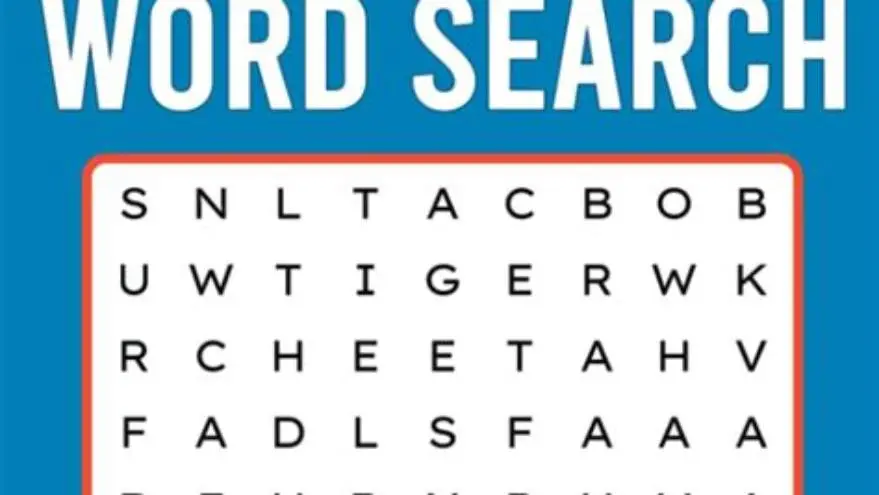
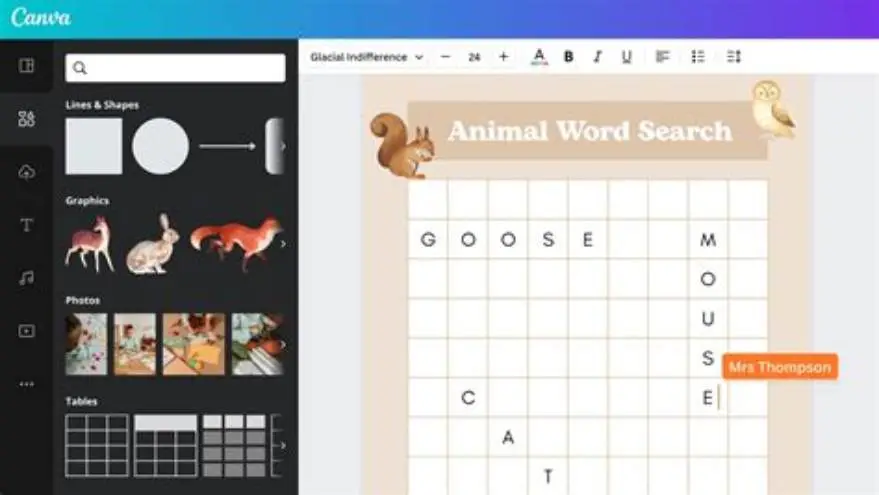
Free printable sudoku with bold large grids and word search puzzles
Download free printable sudoku with large bold grids and word search puzzles designed for clarity and ease of use.
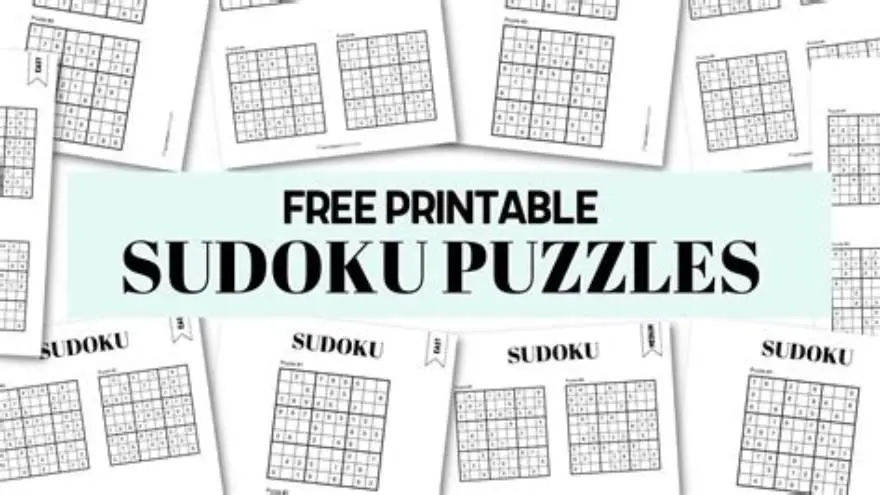
Free printable sudoku puzzles with bold large grids and word searches are available online, often in PDF format, designed with 16 to 24 point font sizes and thick grid lines for easy reading by seniors or those with low vision.
On this page (8 sections)
- Key takeaways
- Free printable sudoku puzzles designed for easy reading
- Bold grid sudoku with huge numbers printable for seniors
- Free printable word search puzzles in large print
- Combining sudoku and word search printable formats effectively
- How to find and print free printable sudoku word search puzzles
- Using BigPrint Puzzle Studio to create custom large-print sudoku and word searches
- Questions people still ask
Part of our guide on large print word search printable for seniors
| Sudoku font size | 16-24 pt |
|---|---|
| Grid line thickness | bold for visibility |
| Word search font size | 18-22 pt |
| Puzzle formats | PDF, printable |
| Suitable for | low vision, seniors |
Key takeaways
- Look for sudoku puzzles with numbers at least 16-24 pt for readability.
- Printable word searches can use large, bold fonts to reduce eye strain.
- Combining sudoku and word search formats requires clear layout and font choices.
- BigPrint Puzzle Studio software helps create custom large-print puzzles quickly.
- Free PDF printables are widely available, but quality and font size vary significantly.
Free printable sudoku puzzles designed for easy reading
Sudoku puzzles printed for older adults or those with vision difficulties commonly use font sizes between 16 and 24 points and bold weights; these settings increase clear visibility of digits under normal indoor lighting. Many publishers also present numbers with generous tracking (space between digits) so single digits do not appear crowded inside a cell. Always confirm the measured font size in a print preview or PDF properties before printing to be sure the file matches your needs.
Thicker grid lines—often double the thickness used in standard puzzles—help users separate 3x3 blocks and individual cells quickly, lowering the chance of placing a number in the wrong box. Some large-print pages go further with subtle cell shading or faint background bands across alternating 3x3 regions; when applied sparingly these techniques guide the eye without adding clutter. If you prefer a color option, choose matte, low-chroma shades to avoid reducing figure contrast.
Reputable sources that offer free printable large-print sudoku include AARP (AARP.org/games/puzzles), Conceptis Puzzles (ConceptisPuzzles.com), Puzzle Baron (PuzzleBaron.com), and BrainBashers (BrainBashers.com/sudoku.asp). These sites let you preview or select difficulty and often supply PDF formats that preserve font size and line weight. For example, Conceptis provides a printable sudoku generator where you can choose grid size and download a PDF; Puzzle Baron lists printable PDFs by difficulty with clear page layouts.
If you want a concrete example to print now, try the Puzzle Baron large-print sample: https://www.puzzlebaron.com/sudoku/printable.php — choose “Large Print” or set your browser’s print scaling to 100% in the preview to preserve the intended size. Another immediate option is BrainBashers’ printable sudoku page at https://www.brainbashers.com/sudoku.asp; use the site’s print icon to open a simple, single-page PDF sized for straightforward printing. If that sounds like your situation, read up on word search puzzles for people with macular degeneration next.
Non-digital choices still matter: many publishers sell or distribute free single-sheet pages in community centers and libraries; these are usually printed on heavier stock with consistent type and line work. When producing your own, select 24-lb or heavier paper with a matte finish to reduce glare; this improves perceived contrast between numbers and grid lines without changing the puzzle file itself.
Font style influences legibility. Sans-serif faces such as Arial, Verdana, or Tahoma remain clear at larger sizes and avoid the thin strokes that serif faces can produce. To ensure a puzzle is truly large-print, check the PDF’s text properties or open it in a PDF reader that reports font point size; if the document uses embedded bitmaps instead of fonts, inspect the print preview at 100% to confirm the printed result matches the advertised size.
Bold grid sudoku with huge numbers printable for seniors
Sudoku with bold grids and huge numbers—18 points or more—is essential for seniors who struggle with small print. The best puzzles combine thick grid lines, high-contrast ink, and spaced layout. Before you commit to anything, it is worth looking at printable brain games seniors.
Printable files should specify font size or show a scale reference. If not, print a test page to confirm numbers are clearly legible from about 12 inches away, a typical reading distance.
For caregivers planning activities, these puzzles reduce frustration and eyestrain while enhancing engagement. The trade-off is often puzzle size: bigger grids mean fewer puzzles per printed page.
Some puzzle creators offer puzzles with adjustable font sizes, letting you pick the perfect balance between readability and paper use before printing. If that sounds like your situation, read up on seniors easy word search large print next.
Free printable word search puzzles in large print
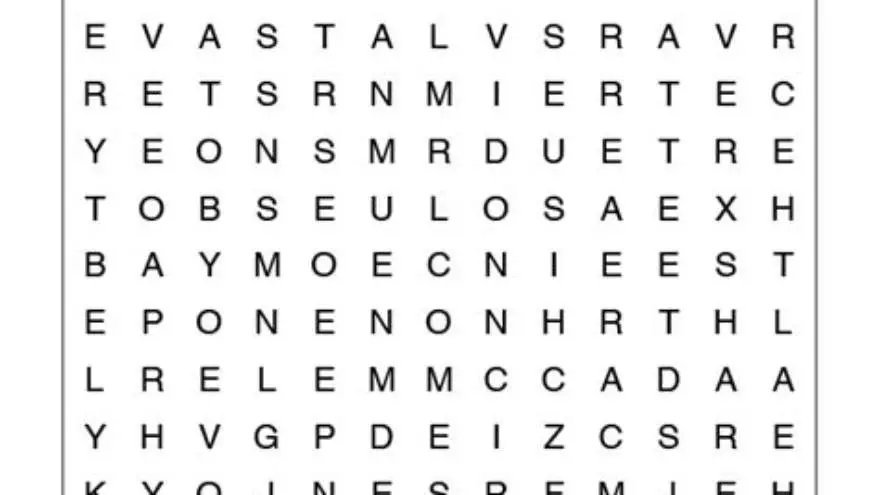
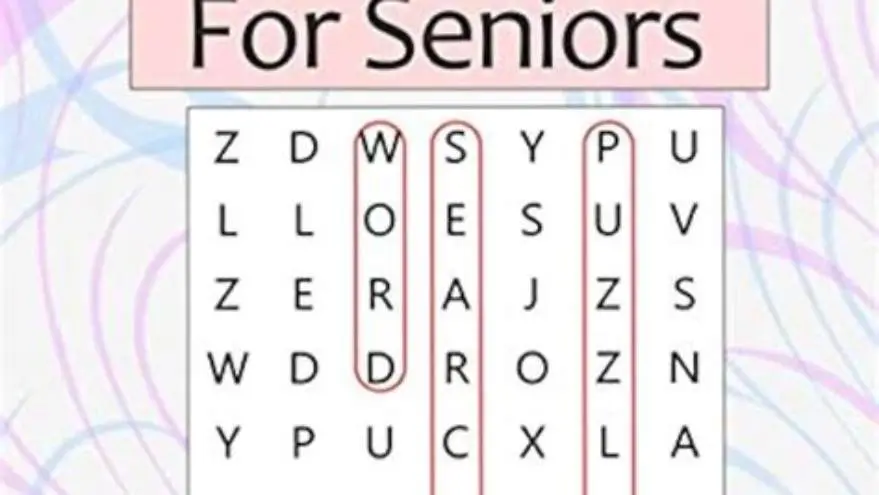
Word search puzzles designed for older adults often feature fonts from 18 to 22 points with letter spacing increased by about 10-15%, making it easier to distinguish letters.
Grid size typically remains the same, but use of bold uppercase letters in black on white background reduces eye strain. Some include answer keys to support independent use.
Many free word search printables are available as PDFs online, but few specify the font sizes or intended audience. Download and preview before printing to ensure suitability. If that sounds like your situation, read up on easy-to-read large print puzzles next.
Some sites offer themed word searches (e.g., holidays, seasons) in large print, enhancing motivation and interest for seniors and memory care groups.
In addition to bold uppercase letters, some large-print word search puzzles include extra spacing between lines—known as leading—that averages 1.5 times the font height. This improvement reduces the chance of confusing adjacent letter rows, especially for users with tracking difficulties.
Large-print word searches sometimes include a feature called ‘highlighting clues’ where the words to find are printed in bold or a different color. This assists users with cognitive challenges by making the target words easier to locate visually before searching the grid. The other half of this decision is word search easier reading tips.
A worked example: a 20-point font word search with 15% increased letter spacing and 1.5 line spacing typically fits about 12 to 15 rows on an 8.5x11-inch page, balancing puzzle size and print clarity. Users should verify print previews to ensure the entire grid is visible without shrinking fonts.
Combining sudoku and word search printable formats effectively
Combining sudoku and word search puzzles in one printable format requires clear visual separation and consistent large print sizing to prevent confusion.
Layout should allocate roughly half a page each or use two pages—one for sudoku, one for the word search—to keep font sizes large and lines bold.
Including answer keys separately prevents clutter and maintains puzzle clarity. Puzzle creators sometimes add a simple border or shading difference to differentiate puzzle types.
The challenge is balancing page space and print cost with readability. Bigger font and bold grids consume more space but significantly aid seniors’ engagement and enjoyment.
How to find and print free printable sudoku word search puzzles
Start by searching for PDF files labeled ‘large print’ or ‘senior friendly’ on reputable puzzle or educational websites. Preview files for font size and grid thickness.
Print a test page on plain paper. Measure font size or check if numbers and letters are clearly visible at typical reading distances (12-15 inches).
If you want to create custom puzzles or compile multiple puzzles with large print, software like BigPrint Puzzle Studio simplifies the process.
Alternatively, free online puzzle generators let you customize font sizes and grid thickness, though they can require more manual formatting for print quality.
For caregivers and activity planners, having a folder of tested, large-print PDFs ready to print avoids last-minute searching and ensures consistent quality.
- Search for ‘large print sudoku PDF’ or ‘printable large word search’ online.
- Download and preview the puzzle on screen, confirm font size is 16+ pt.
- Print a test page to verify readability at normal reading distance.
- Organize puzzles by theme or difficulty for easy future printing.
- Use software tools if creating custom puzzles or large puzzle books.
Using BigPrint Puzzle Studio to create custom large-print sudoku and word searches
BigPrint Puzzle Studio is a straightforward tool for anyone needing large-print puzzles without complex software. It allows creation of sudoku and word searches with fonts between 16 and 24 points and bold grids.
The software includes ready-made themes and word lists, plus options to insert your own words for word searches. Sudoku puzzles come with answer keys and page numbers for easy organization.
BigPrint Puzzle Studio saves significant time compared to manually editing PDFs or using generic puzzle generators. It outputs files ready for Amazon KDP or Etsy, useful for those wanting to sell puzzle books.
Limitations: it focuses on print-ready puzzles, not interactive digital versions or advanced puzzle customizations. It’s best for caregivers, activity directors, or family members wanting consistent large-print puzzles quickly.
- Easy to use without technical skills
- Large-print fonts 16-24 pt
- Includes Sudoku and word searches
- Outputs print-ready PDFs with answers
- No advanced puzzle customization
- Not for interactive digital puzzles
- One-time paid software, no free version
Questions people still ask
Where can I find truly free large-print sudoku puzzles?
Numerous educational and senior activity websites offer free PDFs labeled large print. Verify font size is at least 16 points by downloading and previewing before printing.
Can I create my own large-print puzzles without software?
Yes, you can manually format puzzles in word processors by increasing font size and grid line thickness, but it’s time-consuming and requires design skills to maintain clarity.
Do bigger font sudoku puzzles reduce puzzle difficulty?
No, font size affects readability, not the logical solving complexity. Bigger fonts help reduce eye strain without changing the puzzle challenge.
Is combining sudoku and word search puzzles on one page practical?
It’s possible but best done with clear layout separation and font sizes large enough to maintain readability. Otherwise, use separate pages for each puzzle type.
What font style works best for large-print word searches?
Sans-serif, uppercase, bold fonts on white backgrounds with good letter spacing provide the clearest word search grids for older adults.
Ready to try it? It lets you create large-print sudoku and word search puzzles easily, tailored for seniors, saving time compared to manual formatting.
Create large-print puzzles