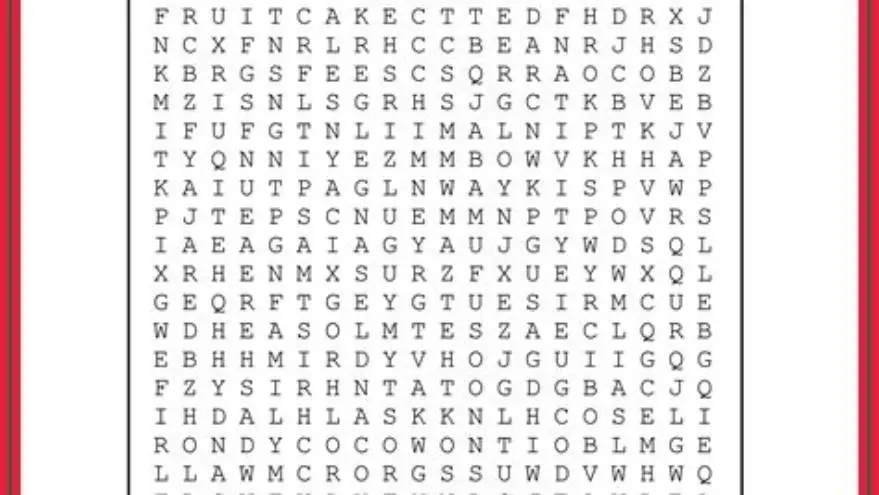
Large print word search PDF: a printable puzzle with 18-point font for seniors
Download a large print word search PDF with 18-point font designed for seniors' easy reading and printing at home or care centers.
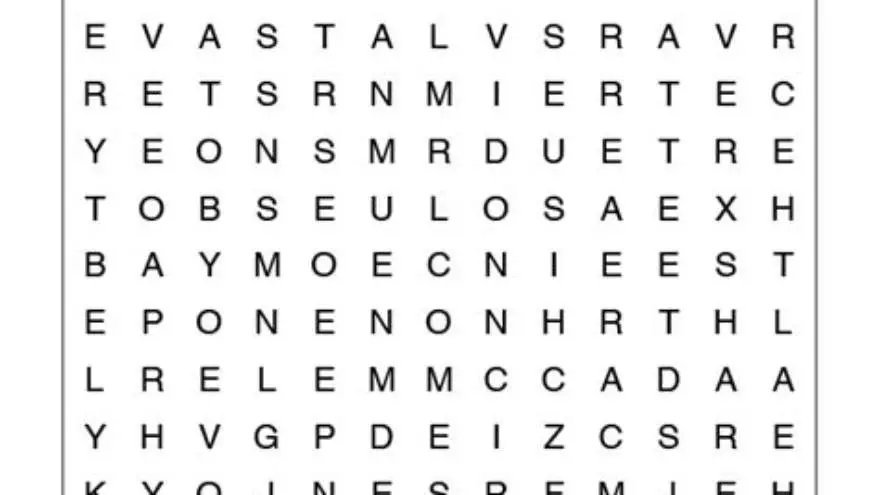
A large print word search printable for seniors typically uses at least an 18-point font size to ensure readability. This size balances visibility and page layout, making puzzles accessible and enjoyable for seniors with low vision or memory challenges.
On this page (8 sections)
- Key takeaways
- Why seniors need large print word searches
- What makes a word search large print PDF for seniors
- How to find and print large print word search puzzles for seniors
- How to create your own large print word search puzzles manually
- Using BigPrint Puzzle Studio to make large print word search books
- Large print word search printable for seniors: final thoughts and advice
- Questions people still ask
| Minimum font size | 18 pt |
|---|---|
| Page size | Letter or A4 |
| Puzzle grid | 10x10 to 15x15 |
| Word list length | 8-15 words |
| Printable format |
Key takeaways
- Use at least 18-point font for visibility in word searches for seniors
- Printable PDFs should have clear spacing and simple fonts for easy reading
- Free word searches are available but often lack large print optimizations
- Manual creation or BigPrint Puzzle Studio can produce easy-to-read large print puzzles
- Word search layout and theme affect seniors' engagement and puzzle usability
Why seniors need large print word searches
Seniors often struggle with small print puzzles due to declining eyesight, even with glasses. Standard puzzle fonts below 12-point can cause eye strain, frustration, and errors. Using 18-point font or larger ensures letters are distinguishable without squinting or magnification tools.
Word searches help maintain cognitive skills and provide engaging, low-pressure activities. However, if the print is too small, seniors may give up before enjoying the benefits. Clear print size is essential for accessibility.
Large print puzzles also aid those with mild vision loss or early dementia, where clarity reduces confusion. Activities with big print and simple designs minimize cognitive load, making the puzzle session more rewarding and less tiring.
What makes a word search large print PDF for seniors
A large print word search PDF for seniors features letters typically set at 18 to 24 points, combined with generous spacing between letters and words. This improves readability by preventing crowding and reducing visual scanning errors. People in this spot often ask about christmas word search for seniors as well.
The puzzle grid size usually ranges from 10x10 to 15x15 letters, balancing challenge and font size. Too large a grid shrinks letters or overcomplicates the puzzle, while too small may feel trivial.
Word lists are kept shorter, around 8 to 15 words, to avoid overwhelming the player, and themes are clear and familiar to boost engagement and memory cues.
The PDF is designed for standard home printers on letter or A4 paper, with margins adjusted to avoid clipped letters or awkward folds. A simple sans-serif font like Arial or Verdana is preferred for clarity over decorative fonts. People in this spot often ask about printable large-print crosswords as well.
Font size (pt) | Grid size | Word count |
|---|---|---|
| 18 | 10x10 | 8-10 |
| 20 | 12x12 | 10-12 |
| 24 | 15x15 | 12-15 |
How to find and print large print word search puzzles for seniors
Free large print word searches often appear on specialized senior activity sites or memory care resources. Search for "large print word search PDF" with font size filters or check puzzle descriptions carefully to confirm letter size.
Some websites offer free downloads with clear labels of the font size used, but many free puzzles use small print and are less user-friendly for seniors with low vision.
To print, use a color or black-and-white laser or inkjet printer with settings adjusted to fill the page and avoid shrinking. Test one page to ensure letters are clearly legible at the intended size. Before you commit to anything, it is worth looking at beginner sudoku with big numbers.
Manual options include typing word lists into large font in a word processor and creating grids yourself, but this is time-consuming and prone to layout errors.
If you plan to print multiple puzzles regularly or want professional layouts, consider puzzle creation software for seniors.
How to create your own large print word search puzzles manually
Start with choosing a clear, simple word list of 8 to 15 words related to a theme familiar to the senior. Keep words moderate length (5-10 letters) for easier spotting. For the detail, see our notes on easy word search for seniors with large print.
Use a spreadsheet or word processor to create a square grid between 10x10 and 15x15 cells. Set the font size of letters to at least 18 points and use a sans-serif font like Arial for clarity.
Place the words horizontally, vertically, and optionally diagonally in the grid, ensuring letters are spaced well and no overlapping causes confusion.
Fill remaining empty grid cells with random letters in the same font and size. Leave the word list separate and clear at the side or bottom. There is more on printable free sudoku word search in a separate guide.
Save or export the document as a PDF configured for letter or A4 page size. Print a test page to verify readability and print margins.
This manual method is free but requires care to avoid cramped layouts and to maintain consistent font size throughout.
- Pick 8-15 themed words
- Create 10x10 to 15x15 grid
- Set font size to 18 pt or larger
- Place words in grid carefully
- Fill empty cells with random letters
- Export as PDF and test print
Using BigPrint Puzzle Studio to make large print word search books
BigPrint Puzzle Studio is an easy-to-use online tool to create large print word search puzzles and entire puzzle books designed for seniors. It offers font size options at 16, 20, or 24 points to suit visual needs. People in this spot often ask about word searches themed for older adults as well.
You select from 42 ready-made word lists or enter your own themed word lists to generate puzzles with clean, large fonts and clear layouts. The software automatically arranges puzzles and generates answer keys, saving manual formatting hassle.
It produces ready-to-print PDFs with correct margins for home printers or professional publishing with Amazon KDP. This helps family caregivers and activity directors provide consistent, accessible puzzles without time-consuming design work.
BigPrint Puzzle Studio does not solve medical issues but focuses on activity engagement. It requires a one-time purchase but no monthly fees and includes free updates, making it a practical choice for regular puzzle creation. We cover large print word search low vision in its own article.
Free methods exist but take more time and skill. For those who want quick, professional large print puzzles and book layouts, this tool fits well.
- Easy puzzle book creation
- Large font size options
- Custom word lists
- Automatic answer keys
- One-time fee required
- Not a medical tool
Large print word search printable for seniors: final thoughts and advice
Choosing the right large print word search depends on the senior's vision, cognitive ability, and interest. An 18-point font puzzle with clear spacing and familiar themes works well for many.
Free large print PDFs exist but may be limited in font size or design quality. Manual creation is possible but time-consuming and requires layout skills.
BigPrint Puzzle Studio is a good investment for caregivers or activity directors needing many puzzles. It speeds up creation with customizable fonts and formats optimized for seniors.
Always test print puzzles on your printer to check font size and readability. Adjust printer settings or zoom in PDF readers if letters appear too small.
Engagement improves when puzzles are paired with themes relevant to the individual's interests or seasonally appropriate. Keep word lists manageable and avoid visual clutter to maintain focus.
| Method | Font size control | Time required | Design quality | Cost |
|---|---|---|---|---|
| Free downloads | Variable, often small | Low | Variable, often low | Free |
| Manual creation | Full control | High | Dependent on skill | Free |
| BigPrint Puzzle Studio | High (16-24 pt) | Low | Professional | One-time fee |
Questions people still ask
What font size is best for seniors in word searches?
Fonts between 18 and 24 points provide good visibility without overwhelming the page. Smaller sizes often cause eye strain.
Can I find free large print word search PDFs online?
Yes, but many free puzzles are not truly large print or have inconsistent formatting. Always check font size before printing.
Is BigPrint Puzzle Studio easy for non-tech users?
It's designed for activity planners and family caregivers without technical backgrounds, with straightforward interface and preset options.
How long should a word list be for seniors?
Keep the list to between 8 and 15 words to keep puzzles manageable and enjoyable without fatigue.
Can I print large print word searches on any home printer?
Most laser or inkjet printers handle letter or A4 size PDFs well. Adjust print settings to avoid scaling down font size.
Ready to try it? It streamlines creating large print word searches with adjustable font sizes and ready-to-print PDFs tailored for seniors
Create large print puzzles