Large-print themed word searches for seniors and memory loss support
Explore large-print themed word searches tailored for seniors and memory loss support, featuring printable and giant word searches easy on the eyes.
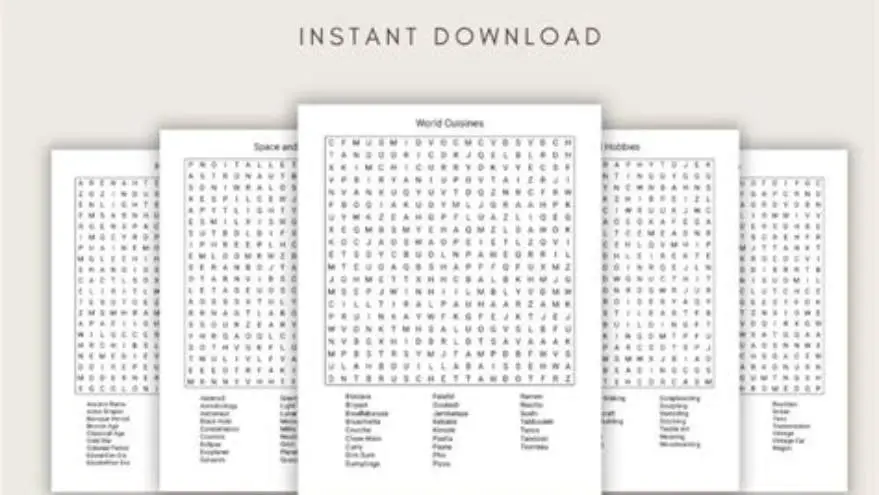
Large-print themed word searches for older adults are word puzzles printed in font sizes typically between 16 and 24 points to ease reading for seniors, especially those with memory loss. They feature clear print and themed word lists to engage cognitive skills and provide visual comfort.
On this page (8 sections)
- Key takeaways
- What makes word searches suitable for older adults
- Giant printable word searches for seniors
- Word search big print for adults with memory loss
- How to find and print themed word searches that are easy on the eyes
- Creating large-print themed word searches manually
- Using BigPrint Puzzle Studio for large-print word searches
- Questions people still ask
Part of our guide on download a printable word search
| Font size | 16-24 pt |
|---|---|
| Typical puzzle size | 10x10 to 15x15 grids |
| Target users | Seniors, memory loss |
| Common themes | Holidays, seasons, hobbies |
| Print type | High contrast |
| Puzzle types | Word search, sudoku |
| Recommended tools | BigPrint Puzzle Studio |
Key takeaways
- Large print size between 16-24 pt reduces eye strain for seniors
- Themed puzzles improve memory recall and engagement
- Printable giant puzzles suit group or individual activities
- Manual puzzle creation allows customization for specific needs
- Digital tools simplify making large-print themed puzzle books
What makes word searches suitable for older adults
Word searches designed for older adults must prioritize legibility. That means using fonts sized between 16 and 24 points, depending on eyesight conditions. A 20-point font often balances readability and space well on printed pages. High contrast between letters and background, like black on white or cream, prevents blurring and eyestrain.
Themes tailored to seniors’ experiences increase engagement and memory cues. Common themes include seasons, holidays, nature, and familiar hobbies. The word lists should avoid overly complex or obscure terms to prevent frustration.
Seniors with memory loss benefit from puzzles that provide cognitive stimulation without overwhelming complexity. Word searches with 10x10 to 15x15 grids are large enough to be clear but not so large as to be discouraging. The puzzles should also include answer keys for reassurance and confidence.
Lighting conditions further impact the suitability of word searches for older adults. Poor lighting can make even large fonts hard to read, so puzzles should ideally be used in well-lit areas with diffuse, non-glare light sources. For example, natural daylight or adjustable desk lamps with warm, soft bulbs are preferable to harsh fluorescents that cause eye fatigue. The other half of this decision is creating large print themed word searches.
Another consideration is the spacing between letters and words. Tight letter spacing can cause letters to blend visually, while increased spacing (such as 1.5 times normal character spacing) enhances readability. In practice, a 20-point Arial font with 1.5 letter spacing on cream paper can noticeably improve comfort for users with mild macular degeneration.
Giant printable word searches for seniors
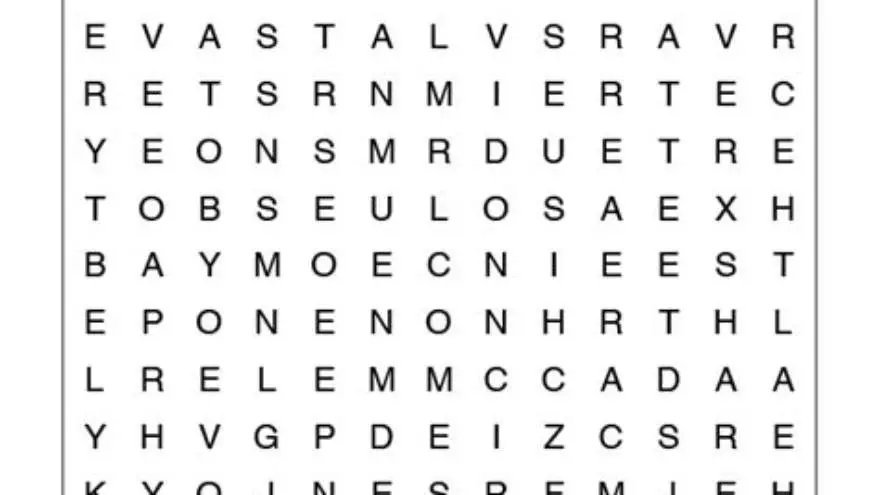
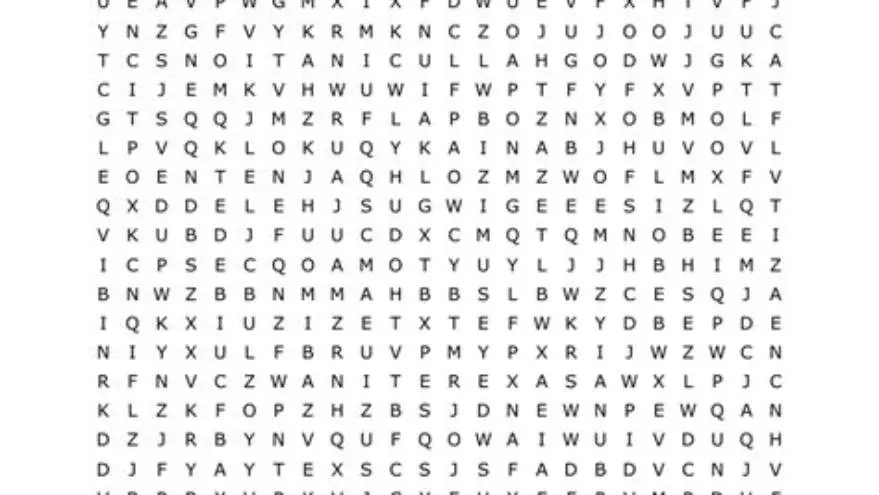
Giant word searches typically use font sizes from 20 to 24 points with larger grids than standard puzzles, often 15x15 or bigger. These puzzles require more space on the page but significantly improve visibility and ease of use for those with low vision.
Printable giant puzzles can be downloaded from free sources or created manually with large fonts and appropriately spaced grids. High-quality PDF printables are preferred for clear edges and optimal contrast. Avoid prints that cramp letters or use faint colors. There is more on extra large print word search for low vision in a separate guide.
The manual way to create these involves setting up a word list with familiar themed words and placing them on a grid with clear letter spacing, then printing using large fonts. This can be time-consuming without the right tools.
Word search big print for adults with memory loss
Adults with memory loss benefit from word searches that support recognition pathways. These word searches often use themes related to everyday objects, holidays, or well-known places to cue memory. Larger fonts (20-24 pt) and short word lists (8-12 words) reduce cognitive load.
Word searches for memory loss should limit distractions: no background images, clean grids, and uncluttered layouts. Presenting puzzle instructions in simple language also helps maintain focus. Including answer keys supports independent completion or guided activity sessions. Before you commit to anything, it is worth looking at free printable sudoku word search puzzles.
Word search puzzles with repetitive or category-based themes stimulate cognitive recall and language skills. These puzzles double as therapeutic tools during home or care center activities but do not replace clinical treatments.
To illustrate, a memory loss-friendly word search might include the theme 'Fruits' with the words apple, banana, grape, lemon, and pear. Each word is short and familiar, and the puzzle grid is kept to 10x10 with 20-point font. This size and simplicity help maintain focus without causing frustration.
When word searches grow too complex or include overly long words, adults with memory loss may become confused or discouraged, leading to reduced participation. This can be observed when participants skip puzzles or require frequent assistance. Monitoring engagement levels can help caregivers adjust puzzle difficulty accordingly. Before you commit to anything, it is worth looking at improving puzzle contrast and size.
How to find and print themed word searches that are easy on the eyes
To find suitable large-print themed word searches, start with reputable puzzle websites that offer free printable puzzles aimed at seniors or memory loss support. Verify the font size before printing by zooming in on the preview file.
When printing, select 'actual size' or scale to 100% to preserve font clarity. Use quality paper and printer settings that maximize contrast—preferably laser printing over inkjet for sharper text edges.
If free puzzles don’t meet your needs, consider using puzzle creation tools. They let you customize word lists and font sizes but require some setup time or familiarity with software. Alternatively, the manual approach involves creating a word list, using spreadsheet software to lay out letters, and printing in large fonts. People in this spot often ask about accessible puzzles for vision loss as well.
Creating large-print themed word searches manually
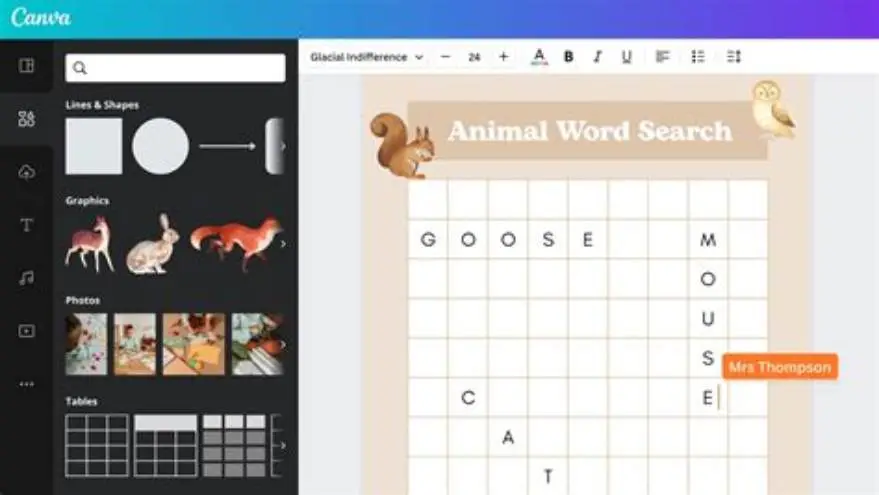
Manual creation requires preparing a word list centered on a theme, such as seasons or holidays. Next, use spreadsheet software or a word processor to create a grid large enough to fit the words horizontally, vertically, and diagonally.
Choose a clear font like Arial or Verdana, set the size to at least 16-20 points, and ensure cells or spaces have enough room for each letter. Fill the grid with letters to complete the puzzle, then list the words beside it for users to find.
The last step is printing on quality paper, using settings that maintain font size and print contrast. This method grants full control but demands time and some digital skill. Free templates online can help, but usually require adjustments for large print.
- Select a theme and compile a list of about 8-12 related words
- Open spreadsheet or word processor, set font to 16-24 pt
- Design a grid sized 10x10 or larger to fit all words
- Place words in the grid horizontally, vertically, or diagonally
- Fill remaining spaces with random letters
- Print at actual size on quality paper
Using BigPrint Puzzle Studio for large-print word searches
BigPrint Puzzle Studio is designed to simplify creating large-print puzzles for seniors. It offers preset font sizes (16, 20, 24 pt) and themed word lists suitable for older adults and those with memory loss. You can generate full puzzle books ready to print or sell, saving hours of manual work.
This tool includes features like answer keys and page numbers, streamlining activity planning in care homes or for family caregivers. It also allows customization with your own word lists and themes, accommodating very specific interests or cognitive needs.
It’s not a medical device nor does it diagnose or treat memory loss. The program focuses solely on making puzzles that are clear, accessible, and engaging. If you have basic computer skills, you can use it without technical hurdles. However, if you prefer free or manual DIY options, those remain valid alternatives.
- Preset large font sizes
- Ready-made themed word lists
- Generates print-ready puzzle books
- Includes answer keys and page numbers
- One-time purchase required
- Not a medical or diagnostic tool
- Requires a computer and basic skills
Questions people still ask
Can I create large-print word searches without software?
Yes, you can manually create them using a spreadsheet or word processor by selecting large fonts (16+ pt) and designing a grid. This takes more time and effort but allows customization without cost.
What font size is best for seniors with low vision?
Fonts between 16 and 24 points usually work well. The exact size depends on the individual's eyesight and the viewing distance, but 20 points is a common balance.
Are themed word searches helpful for memory loss?
Yes, themed puzzles can stimulate memory recall by reinforcing familiar concepts and vocabulary. They are effective cognitive activities alongside professional care but do not replace medical treatment.
Where can I find free large-print word searches?
Many puzzle websites provide free printable puzzles. Check font size before printing and prefer PDFs for quality. Libraries or senior centers may also distribute printed puzzles.
What paper should I use for printing large-print puzzles?
Matte or non-glossy paper reduces glare, which helps seniors with low vision read puzzles more comfortably.
Ready to try it? It simplifies and speeds up creating large-print themed word searches tailored for seniors and memory loss with easy customization and print-ready output.
Create large print puzzles