Word search generator with answer key: how to create and print both together
Create word searches with integrated answer keys for easy printing and clear formatting in large-print puzzle books.
Use a word search generator with answer key to export a single print-ready PDF containing both the puzzle and its matching solution page. This saves time, reduces placement errors, and produces clear, printable files.
On this page (8 sections)
- The short version
- How to generate word searches with an answer key
- Formats that include answer keys in print-ready files
- Tips for making answer keys clear and easy to use
- Word search generator with answer key: how to create and print both together
- How BigPrint Puzzle Studio helps create word searches with answer keys
- Manual and free methods to create word searches with answer keys
- Questions people still ask
Part of our guide on kdp large print word search
Generate large-print word searches with clear answer keys in one easy-to-print file, tailored for seniors and puzzle bookmakers.
| Puzzle types | 8 including word search |
|---|---|
| Answer key format | Integrated PDF page |
| Print sizes | Letter and A4 |
| Print-ready | Yes |
| Software cost | One-time $17 |
The short version
- Create word searches and answer keys in one print-ready file for convenience.
- Use large-print formatting for accessibility and readability by seniors.
- Clear answer keys should highlight words in the puzzle grid visibly.
- Manual methods work but are time-consuming; specialized software saves effort.
- BigPrint Puzzle Studio offers integrated generation and print-ready outputs.
How to generate word searches with an answer key
If you need a word search generator with answer key use this method. Put your exact word list into the generator. Set grid size and orientation options. Export a print-ready file that contains both puzzle and answer key pages. The phrase word search generator with answer key sits at the core of this task. You get a puzzle page for users and a matching key page for distribution.
Manual and software paths work. Manual creation uses a grid, placement of words, then a separate marked copy for the key. Software automates placement, checks overlaps, and draws the key. Choose manual when you must control every placement. Choose software when you want speed and error checking. The next list gives ballpark figures so you can compare time, cost and error risk.
Check the exported PDF before printing. Confirm fonts are legible at final size, usually 12 to 18 point for the grid. Verify the key uses a contrasting color or clear boxes. If you print in black and white, the key must use distinct shapes or dashed lines, not color alone.
If you offer multiple difficulty levels, create separate keys. Use a full highlight key for easy puzzles. Use a partial or numbered-clue key for harder puzzles. Keep keys on their own page so teachers and proctors can hide them. If that sounds like your situation, read up on generate word searches for kdp next.
- Manual:
30–90minutes per puzzle, low software cost, higher error risk. - Software:
1–5minutes per puzzle, cost depends on tool, near-zero placement errors. - Print-ready check: confirm
300dpi export and12–18point grid font. - Accessibility: use
14point or larger and high-contrast markings for older readers.
- Choose grid size and orientation settings in the generator.
- Paste your exact word list and set word directions allowed.
- Generate puzzle and export a PDF that includes the answer key page.
- Open the PDF and inspect the key for clarity before printing.
Formats that include answer keys in print-ready files
Print-ready word search files commonly come as PDFs containing multiple pages: the puzzle on one page, the answer key on the next. This format keeps everything together for easy printing and distribution.
Some software allows answer keys to display as overlays or on a separate sheet with words highlighted using colors or shading. For black-and-white printing, patterns like boxes or underlines can indicate word locations without color.
Large-print puzzle books require bigger fonts, so the layout must accommodate larger grids and spaces. PDFs generated for this purpose include increased font sizes, grid spacing, and clear answer key marks that remain legible when printed. People in this spot often ask about make word searches with your words as well.
When creating your print files, keep page margins consistent and maintain high resolution (at least 300 dpi) to ensure sharp printing. Avoid complex fonts or decorations that reduce readability for seniors.
Some formats embed answer keys as interactive layers in digital versions, letting users toggle solution visibility on tablets or smartphones, which is not possible in printed formats.
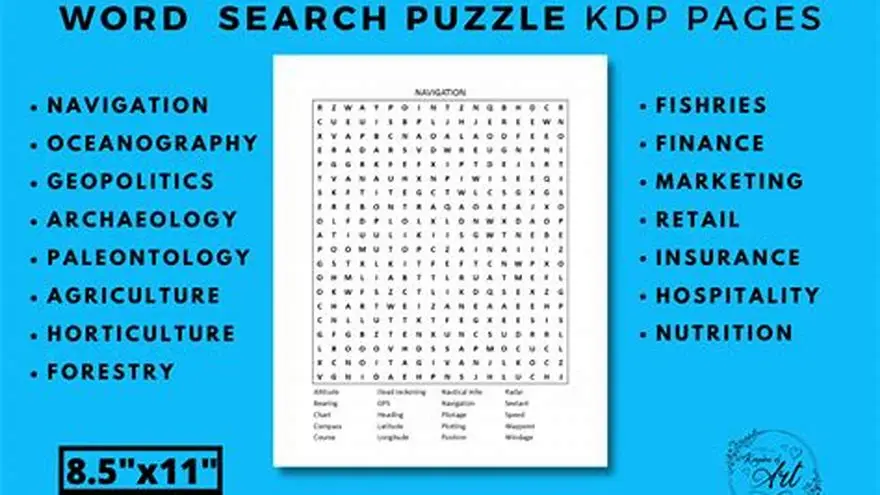
A typical print-ready file dimension is 8.5 by 11 inches, with a 0.5-inch margin. This ensures the puzzle and answer key fit standard printers and binding. The other half of this decision is large print word search generator.
When using black-and-white patterns for answer keys, test print a copy. Sometimes, shading or crosshatching blends with puzzle letters, reducing clarity. Adjust patterns to avoid this issue.
Tips for making answer keys clear and easy to use
Use high-contrast colors or shading to mark words in the answer key. For black-and-white print, simple boxes, underlines, or bolding work well to highlight word positions.
Keep the answer key on a separate page, directly after the puzzle, so users can quickly check solutions without scrolling or flipping through the entire book. Before you commit to anything, it is worth looking at free word search generator commercial.
Label answer key pages clearly with titles like 'Answer Key' and include the original word list to help users match clues with answers smoothly.
Avoid clutter by limiting the puzzle grid size and word count to what fits legibly in large print. Overcrowded grids make answer keys harder to decipher.
Test your answer key by printing a sample page. Confirm that markings are visible and easy to follow under typical lighting and reading conditions for your audience. For the detail, see our notes on choosing readable fonts for word searches.
Word search generator with answer key: how to create and print both together
Generating word searches with answer keys together requires software or tools that output puzzles and solutions in a single, print-ready file. This approach eliminates manual copying and layout errors.
You enter your word list once. The tool creates the puzzle grid and an answer key page where every word placement is clearly marked or highlighted.
Look for large-print options if your audience includes older adults or those with low vision. Font sizes of 18 points or larger and adequate spacing improve readability.
Export the complete file as a PDF to print or upload it for publishing. This method keeps your files organized and consistent in style and format.
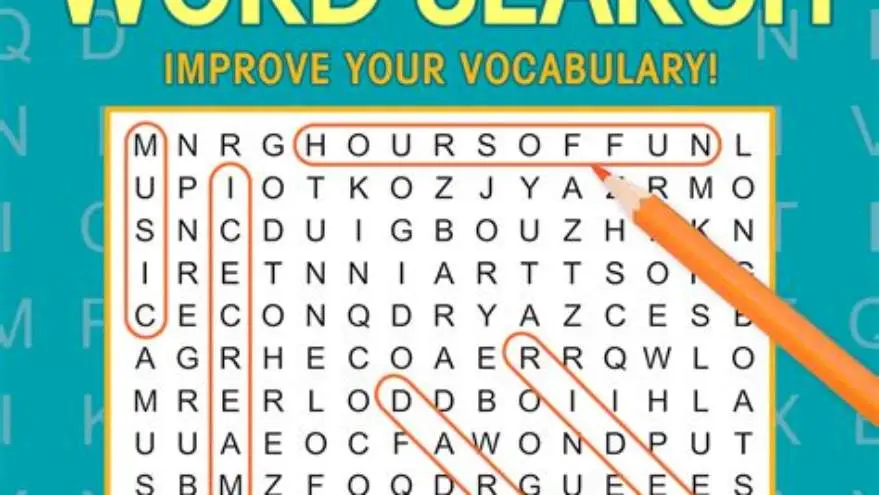
Example: Enter 15 words into the generator. It creates a 15x15 grid puzzle and an answer key page with all 15 words boxed in red. Print both pages as a single PDF to distribute.
Check that the puzzle and answer key pages have consistent fonts and spacing. Mismatched styles confuse users and look unprofessional.
Some tools allow exporting answer keys with numbered clues instead of visual highlights. This option suits users who prefer checking words by number rather than seeing them marked on the grid.
How BigPrint Puzzle Studio helps create word searches with answer keys
BigPrint Puzzle Studio is a web-based tool tailored for making large-print puzzle books, including word searches with integrated answer keys in one print-ready PDF.
You input your word list once. The software generates the puzzle grid and an answer key page portraying clear highlights. The entire book, including multiple puzzles, is exportable with large fonts and spacing.
The tool offers 8 puzzle types and 42 themes, all optimized for seniors and those with vision challenges. It creates matching covers and Amazon listing text for easy self-publishing on Amazon KDP or Etsy.
One limitation is that success depends on your publishing effort; BigPrint Puzzle Studio simplifies puzzle generation but does not guarantee sales or income. It costs $17 one-time, avoiding recurring fees.
Using this tool saves hours you would spend manually matching answers or adjusting layouts. It ensures consistent, clear formatting that meets accessibility standards for large-print puzzle books.
- Integrated puzzle and answer key generation
- Large-print formatting by design
- Print-ready PDF output
- One-time payment with no subscription
- Requires some publishing skill to profit
- No guarantee of income
- Web-based; internet connection needed
- Limited to 8 puzzle types
Manual and free methods to create word searches with answer keys
You can create word searches manually using spreadsheets or word processors by placing words in a grid and filling leftover cells with random letters.
Make a copy of the grid and highlight or circle the words with a colored pen or shape for the answer key page. Then save or scan both pages as PDFs.
Free online tools like the Large Print Word Search Maker can generate large-print puzzles with answer keys automatically. These are suitable for occasional use but may lack customization and bulk features.
Manual methods work well if you only need a few puzzles and don't mind the extra time. However, they risk formatting inconsistencies and require more effort for large puzzle books.
Compare your needs: free tools are good for quick, simple puzzles; puzzle creation software suits larger projects with professional layouts and integrated print-ready files.
Questions people still ask
Can I create a word search with an answer key manually?
Yes, by designing the puzzle grid yourself and making a copy where you highlight the words manually. This method takes longer and risks formatting errors.
What file format should I use for print-ready word searches with keys?
PDFs are best because they preserve layout, font size, and print quality. Multipage PDFs can include both puzzles and answer keys together.
How large should the font be for large-print word searches?
Fonts 18 points or larger with ample grid spacing improve legibility for seniors and visually impaired users.
Does BigPrint Puzzle Studio create answer keys automatically?
Yes, it generates matching answer key pages with clear highlights in the same PDF as the puzzles.
Are free word search generators good for publishing books?
Free tools usually lack bulk export and large-print customization needed for professional publishing, making software a better choice for books.
How can I make answer keys easier to use for seniors?
Use clear, bold markings or colors, separate answer key pages, and large fonts matching the puzzle size to enhance usability.
Ready to try it? It generates large-print word searches and integrated answer keys in one print-ready file, saving time and ensuring clarity.
Create puzzles with answers