Large-print activity books for seniors on KDP
Learn precise font sizes and layout rules to make large-print activity books suitable for seniors on Amazon KDP.
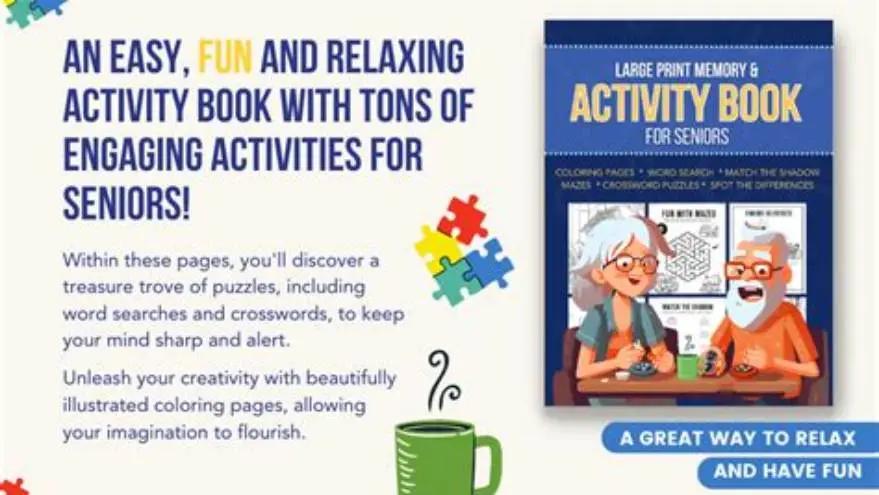
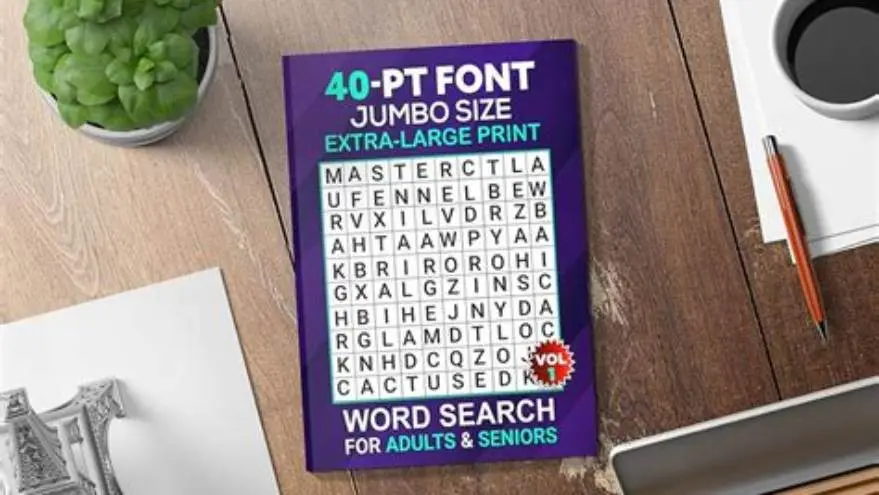
To make a large print activity book for seniors on KDP, use fonts sized 16-24 pt depending on the activity type, with generous line spacing and margins suited to KDP trim sizes of 8.5"x11" or larger for clear readability.
On this page (8 sections)
- Key takeaways
- What font sizes define large print for seniors
- KDP trim sizes best for big print activity books
- Layout spacing and margin recommendations for readability
- How to format puzzles and activities for seniors’ vision
- Examples of KDP interior settings for these books
- How to format your large print activity book on KDP using BigPrint Puzzle Studio
- Questions people still ask
Part of our guide on steps for large print puzzles
Precise font sizes, trim dimensions, and layout tips that guarantee your large-print puzzle books truly meet seniors’ needs on KDP.
| Min font size | 16 pt |
|---|---|
| Max font size | 24 pt |
| Recommended trim size | 8.5" x 11" |
| Line spacing | 1.5 to 2 |
| Common large print puzzles | word search, sudoku |
| Margin size | 0.75 to 1 inch |
| Book formats | print and Kindle |
| Easy creation tool | BigPrint Puzzle Studio |
Key takeaways
- Use at least 16 pt font for large print puzzles, increasing to 20–24 pt for easier visibility
- Choose KDP trim sizes 8.5"x11" or larger for senior-friendly layout
- Apply wider margins and increased line spacing to aid clarity
- Format puzzles with simple grids and avoid cluttered designs
- BigPrint Puzzle Studio simplifies creating these books with preset large print templates
What font sizes define large print for seniors
Large print is generally defined by font sizes starting at 16 points for basic reading material, but seniors benefit from larger sizes especially in activity books. For puzzles like word searches or sudoku, a font size between 20 and 24 points is ideal because it reduces eye strain and makes letters more distinguishable.
The exact font size you choose depends on the type of activity. Word searches and crossword clues can use 16–20 pt fonts, but for puzzle grids and answer keys, 20–24 pt ensures better visibility. The font style also matters—simple sans-serif fonts like Arial or Calibri improve readability over serif fonts, especially at larger sizes.
Seniors often face reduced contrast sensitivity; larger font sizes help but must be paired with high contrast. Black text on white or cream backgrounds works best. Note that increasing font size affects page layout and length, requiring adjustments in margins and spacing to maintain a clean look without overwhelming the page.
- 16 pt font: minimum for large print puzzles
- 20–24 pt font: preferred for puzzle grids and answer keys
- Use sans-serif fonts for clearer letterforms
- High contrast color schemes aid visibility
KDP trim sizes best for big print activity books
Amazon KDP offers various trim sizes, but for large print puzzle books, the most suitable trims are 8.5" x 11" and larger. This size provides ample space for large fonts and puzzles without cramping, making the page comfortable to view and handle. We go through kdp font size for seniors step by step elsewhere on the site.
Smaller sizes like 6" x 9" are popular for general books but too tight for large print puzzles since font sizes must be reduced or the layout gets cluttered. Using 8.5" x 11" allows you to maintain font sizes of 20 pt or above, leaving room for margins and the puzzle grids themselves.
Consider even larger trim sizes if your audience includes seniors with severe vision impairment, but note these may increase printing costs and book weight, which can affect sales and shipping.
Square trims or custom sizes are less common in large print activity books and may complicate formatting on KDP, which has strict margin and bleed requirements. For the detail, see our notes on creating large print puzzles.
| Trim Size | Fit for Large Print | Notes |
|---|---|---|
| 6" x 9" | Poor | Too small for 20+ pt fonts without clutter |
| 8.5" x 11" | Best | Ideal size for large print puzzles and layouts |
| 8" x 10" | Fair | Slightly smaller but workable with layout tweaks |
| Custom >9" x 11" | Good | Extra space helps, but cost and format issues |
Layout spacing and margin recommendations for readability
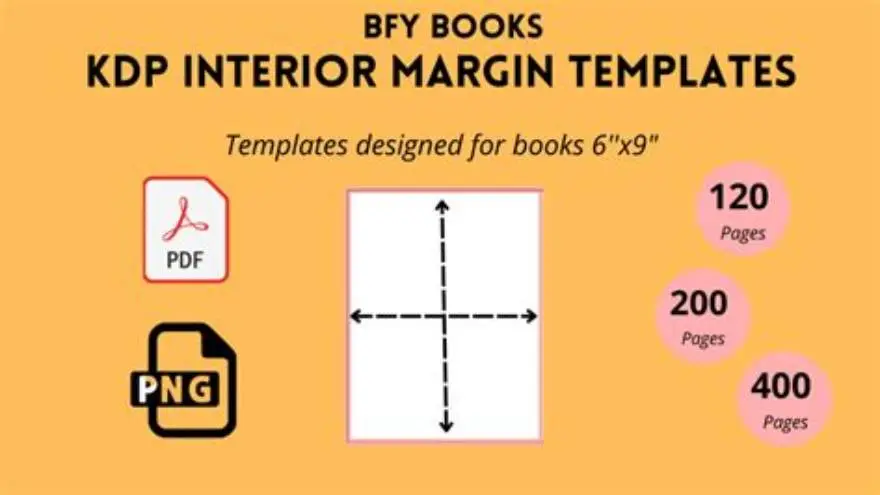
Large font sizes alone don’t guarantee readability; layout and spacing play key roles. Margins should be generous, usually at least 0.75 to 1 inch on all sides. This gives the eyes a rest and prevents text and puzzles from feeling crowded.
Line spacing between text lines should be set between 1.5 and 2 times the font size. For example, with 20 pt text, set line height to roughly 30–40 pt. This spacing reduces visual confusion and makes each letter and word easier to differentiate.
Puzzle grids must have clear separation between rows and columns. Use thick grid lines or coloring to distinguish puzzle boundaries. Avoid squeezing puzzles into tight areas; white space around them improves focus. If that sounds like your situation, read up on puzzle book interior margins for kdp next.
Page numbers and answer keys should also use large fonts and spacing. Position page numbers in the footer with at least 16 pt font. Place answer keys at the back of the book in a contrasting font size so seniors can locate solutions easily.
- Margins: 0.75–1 inch all sides
- Line spacing: 1.5 to 2 times font size
- Use grid lines thick enough to separate puzzle boxes
- Avoid clutter by keeping one puzzle per page if possible
- Large, clear page numbers improve navigation
How to format puzzles and activities for seniors’ vision
When formatting puzzles, simplicity aids seniors most. Avoid overly complex grids or tiny letters inside the puzzle. For word searches, use grids sized so each letter is at least 20 pt and grid spacing is even and wide.
Sudoku puzzles should have bold lines dividing 3x3 regions, with numbers in at least 20 pt font. Use minimal shading and high contrast color schemes; black on white is the safest choice. If that sounds like your situation, read up on what does bigprint puzzle studio do next.
Crosswords require larger numbering and clues in at least 16–18 pt font. Add extra spacing between clues and consider grouping clues by theme or difficulty to help users navigate.
For word games and mazes, keep lines and paths thick and high contrast. Avoid light grays or pastel colors that may wash out when printed.
Use accessible fonts like Arial, Verdana, or Tahoma that maintain legibility at larger sizes. Avoid decorative or script fonts. If that sounds like your situation, read up on publishing sudoku puzzles next.
- Letter size inside puzzles: minimum 20 pt
- Bold grid lines for sudoku and word searches
- Simple, uncluttered puzzle designs
- High contrast: black on white or cream
- Accessible font styles only
Examples of KDP interior settings for these books
To correctly set up your large print activity book in KDP, select a trim size of 8.5" x 11" in the project setup. Use the interior type “Black & White” or “Color” depending on your puzzle design.
Set margins to at least 1 inch for top and bottom, and left and right margins also at 0.75 to 1 inch. Use the KDP recommended ‘mirror margins’ if you want different inside and outside margins, especially for bound books.
Choose a font size in your document of 20–24 pt for puzzle grids, and 16–18 pt for clues and instructions. Line spacing in your text editor or design software should be set explicitly to 1.5 or double spacing.
When exporting your interior file to PDF for upload, ensure fonts are embedded and page numbers are included. Leave a blank page at the end for the answer key if you include one.
If you want to sell on KDP, check KDP’s bleed and margin requirements carefully to avoid printing errors. KDP’s previewer tool shows you how your book will print and flags issues.
- Choose trim size 8.5" x 11" when creating your KDP project
- Set margins to 1 inch top/bottom, 0.75–1 inch left/right
- Use 20–24 pt fonts for puzzles; 16–18 pt for clues
- Set line spacing to 1.5 or 2.0 in your layout software
- Export to PDF with embedded fonts and page numbers
- Preview your book in KDP’s tool before publishing
How to format your large print activity book on KDP using BigPrint Puzzle Studio
BigPrint Puzzle Studio is an online tool designed specifically to create large-print puzzle books that meet seniors’ readability needs and KDP’s formatting rules. It offers preset font sizes—16, 20, and 24 pt—tailored to large print standards, simplifying your layout process.
The tool automatically applies appropriate margins and spacing for KDP’s preferred trim sizes, especially 8.5" x 11". It generates complete puzzle books including word searches, sudoku, and other popular activities with clear large print fonts and grids.
You get answer keys and page numbers included, plus a wrap-around cover maker formatted for KDP. This eliminates the need to manually adjust margins or fight with PDF exports. The one-time purchase removes monthly fees and lets you reuse the software on up to three computers.
If you prefer free methods, you could manually set up templates in Word or InDesign using the font sizes and margins discussed, but this takes more time and trial. BigPrint Puzzle Studio saves hours by handling these details and producing KDP-ready PDFs everyone can print or publish.
However, the tool is focused on puzzle creation only and doesn't cover medical or personalized memory care content. If you want a faster way to make large-print puzzle books that sell on KDP, it is a strong practical choice.
- Automates font size and layout settings
- Includes puzzles and answer keys ready to print
- Supports KDP trim sizes and margins automatically
- One-time payment with free updates
- Focused solely on puzzle books, no medical content
- Not a free tool, costs upfront
- Limited to Windows or Mac use on 3 devices
BigPrint Puzzle Studio offers a practical, user-friendly way to produce KDP-ready large print puzzle books, saving time and avoiding formatting pitfalls.
Questions people still ask
What is the minimum font size for large print activity books on KDP?
Minimum font size is generally 16 pt, but 20 pt or larger is preferred for puzzle grids to ensure seniors can read them comfortably.
Can I use smaller trim sizes for large print books on KDP?
Smaller trims like 6"x9" are possible but not recommended because they force smaller fonts or cramped layouts, reducing readability.
How much margin should I leave around puzzles for seniors?
Margins of 0.75 to 1 inch on all sides help keep puzzles uncluttered and give eyes space to focus.
Are there free tools to create large print puzzle books for seniors?
Yes, you can manually format puzzles using Word or InDesign, but it requires setting font sizes, margins, and exporting PDFs yourself.
Does BigPrint Puzzle Studio support all puzzle types needed for seniors?
It supports many popular puzzles like word searches and sudoku but does not cover all game types or medical activity content.
Ready to try it? It automates the essential font size, margin, and KDP formatting steps needed to create large-print puzzle books for seniors efficiently.
Create large print puzzles